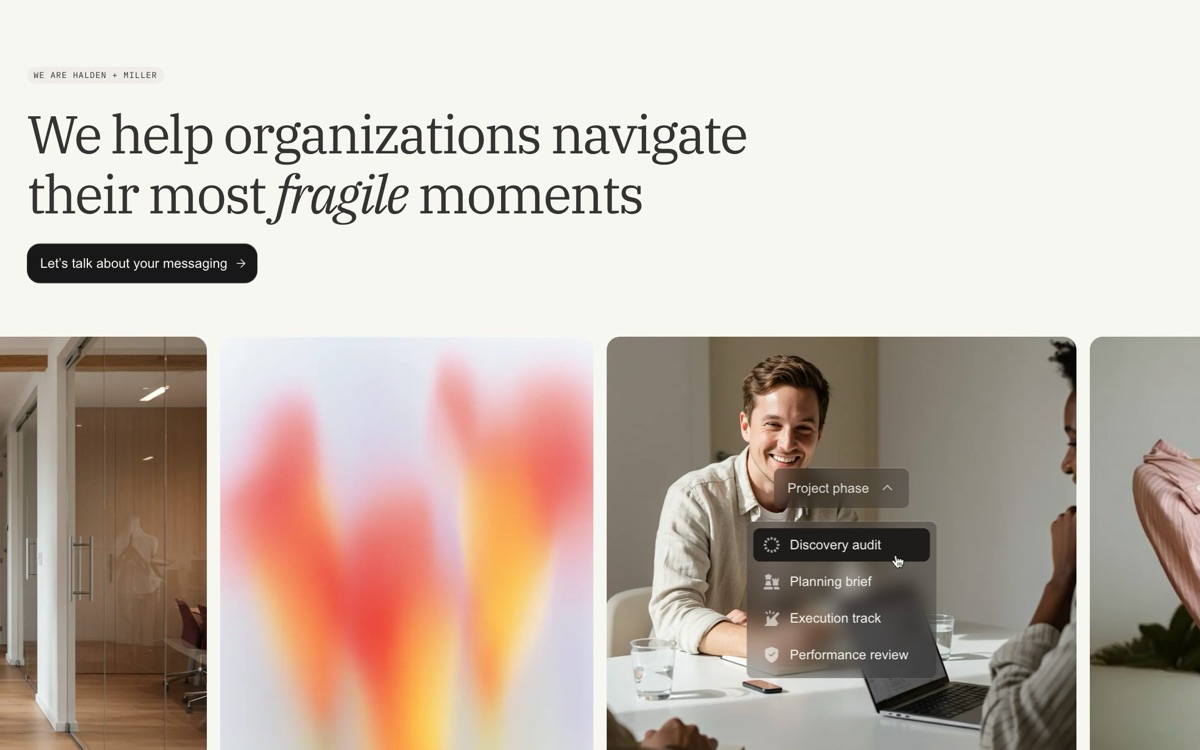
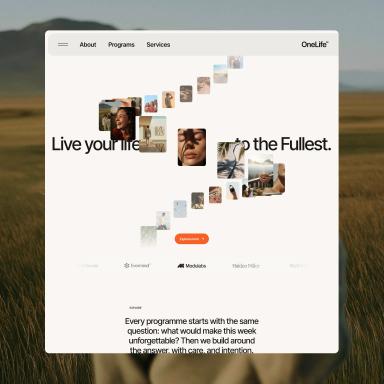
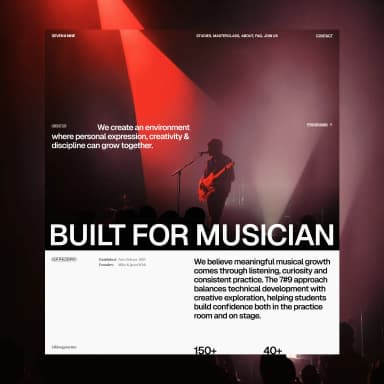
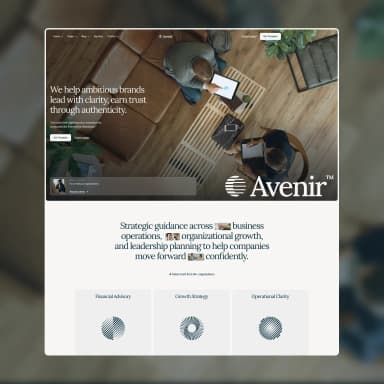
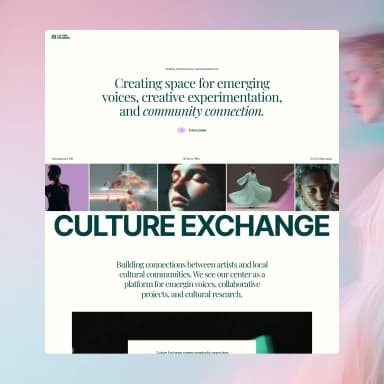
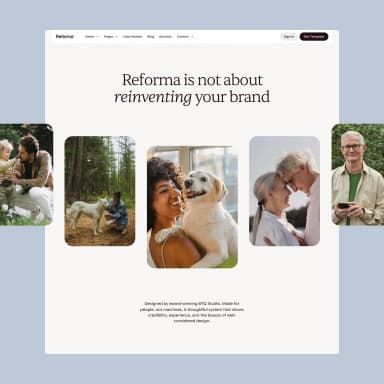
Sections on BYQ come with a theme picker that lets you swap its color scheme before copying. The original colors of the section get replaced with the palette you choose, while the layout, typography, and class structure stay exactly the same. When you copy the section afterward, the new colors come with it. Themes work with copies to Webflow, Figma, HTML and Copy Prompt. Framer, Shopify and screenshot copies are not available while a theme is applied.
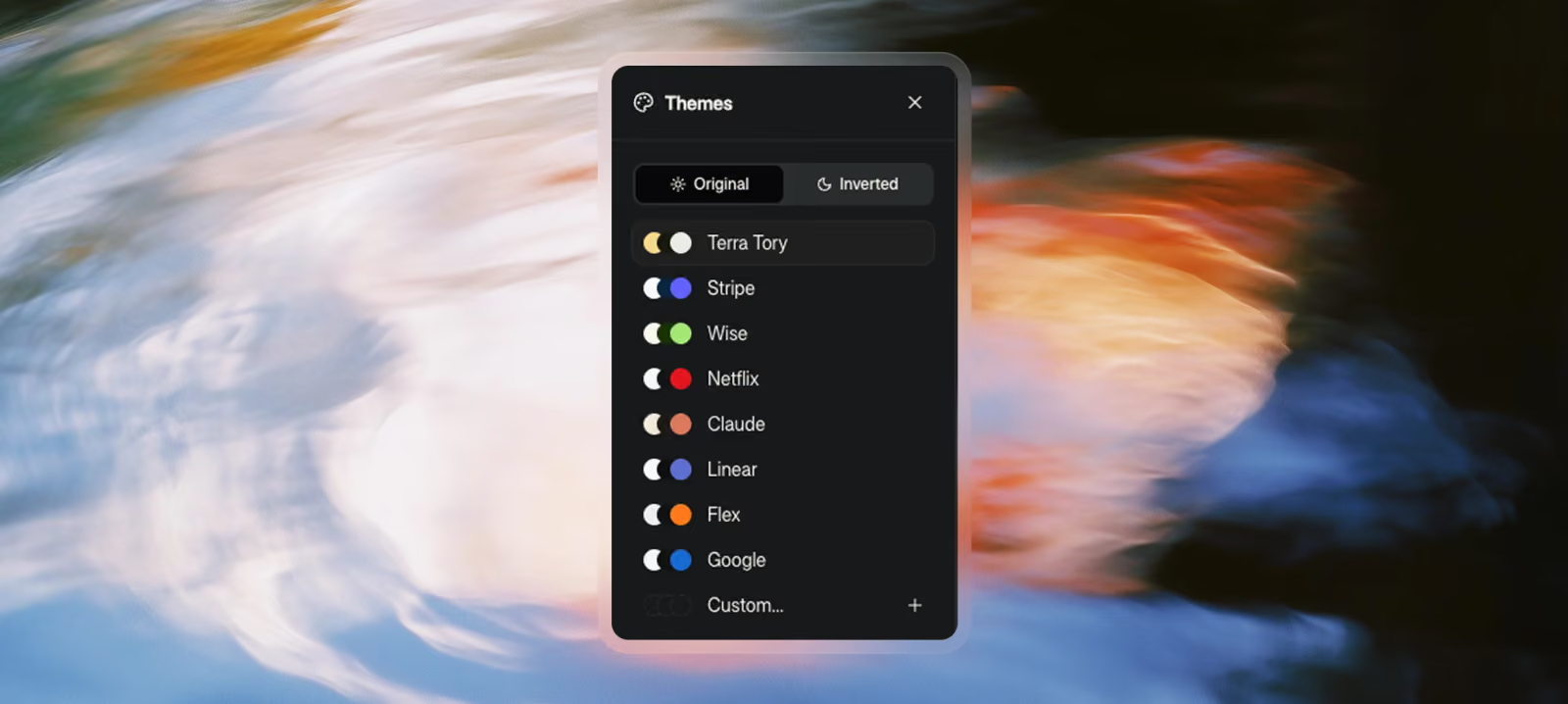
The section preview updates in real time as you choose a theme, so you can see exactly what you’ll be copying. Only some collections support themes, so the picker is not available on every section.
Five ready-made themes are available, each based on a recognizable brand palette:
Click any preset to apply it instantly. The preview updates in real time. You can switch between presets as many times as you like.
If none of the presets match what you need, you can extract a palette from any website you own or want to design for:
BYQ analyzes the site and pulls a color palette from it — usually the dominant brand colors, backgrounds, and accents. The extracted palette is then applied to the section the same way a preset would be. The whole extraction usually takes a few seconds and works well for most sites. Custom palettes are saved to your account, up to 10.
If the extraction produces results that don’t quite match what you wanted, you can either tweak the colors manually inside the Custom panel or pick a different preset instead.
Each theme has two modes: Original and Inverted. The toggle is at the top of the Themes panel.
This is useful when you want a section in a darker tone for contrast — for example, a dark hero followed by light content below it — without leaving the same color family.
Themes only change colors. Everything else about the section stays exactly the same:
This means when you copy a themed section into Webflow (where sections use classes), you get the same class structure as the original — just with different color values plugged in. A class that was background-color: #181e25 in the original section becomes background-color: <new color> in the themed version. The class itself is unchanged.
Whatever theme is applied when you click Copy is what gets copied — for Webflow, Figma, HTML and Copy Prompt:
Some options are unavailable while a theme is applied.
So in practice: Themes carry into Webflow, Figma, HTML and Copy Prompt. Framer, Shopify and screenshot copies need the original section, with no theme applied.
Anyone can open the Themes panel and preview any section in any theme — this part is free for everyone. The plan rules apply at the copy step:
So you can browse, try themes, and explore the library on Free — but to copy a non-free section with your chosen theme, you’ll need Pro or Ultra.