Working with BYQ Templates and Variables
A new generation of templates
Modern BYQ templates use Webflow Variables and Variable Modes to control global styling. This applies mainly to newer templates; older templates may use older setups, but editing flow remains intuitive.
Why Variables matter
Variables give your project a global design system:
- typography
- colors (including dark/light if the template supports it)
- spacing and layout rhythm
- radius
- icon stroke and sizing
Changing Variables updates the entire template without touching individual classes.
Where to find Variables
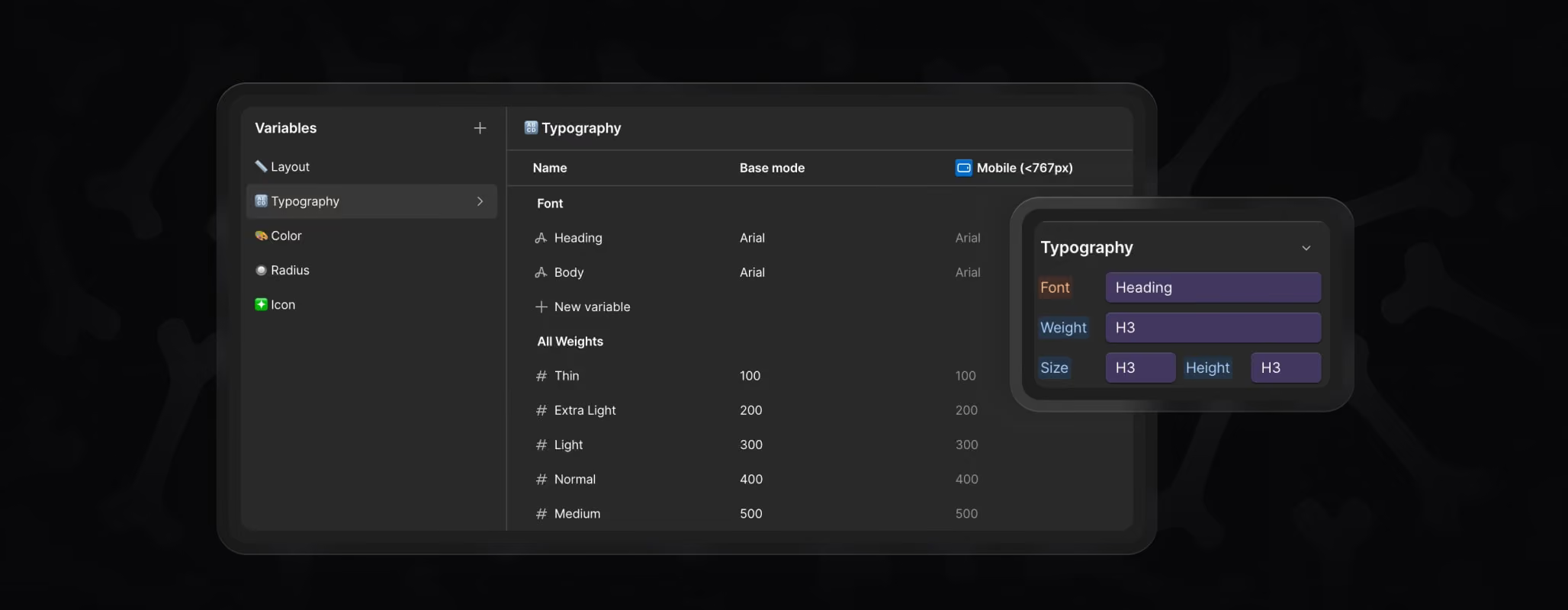
Variables have their own dedicated panel on the left sidebar in Webflow.
You can also open it instantly by pressing the shortcut "V" on your keyboard.
Inside you will see familiar groups:
- Layout
- Typography
- Color / Base
- Theme
- Radius
- Icon
Each group controls the global styling behind the template.
What to customize first
Here’s a simple process that makes branding fast and predictable.
1. Typography
Set heading and body fonts, then adjust sizes or weights if needed.
2. Colors
Update the primary brand colors and neutrals.
If the template supports dark mode, check both modes.
3. Spacing
Adjust spacing steps and section paddings to match your brand’s density.
4. Radius & Icons
Update corner radiuses and icon sizes/stroke to match your visual style.
After these steps, the entire template already feels like your brand.
When to edit classes instead
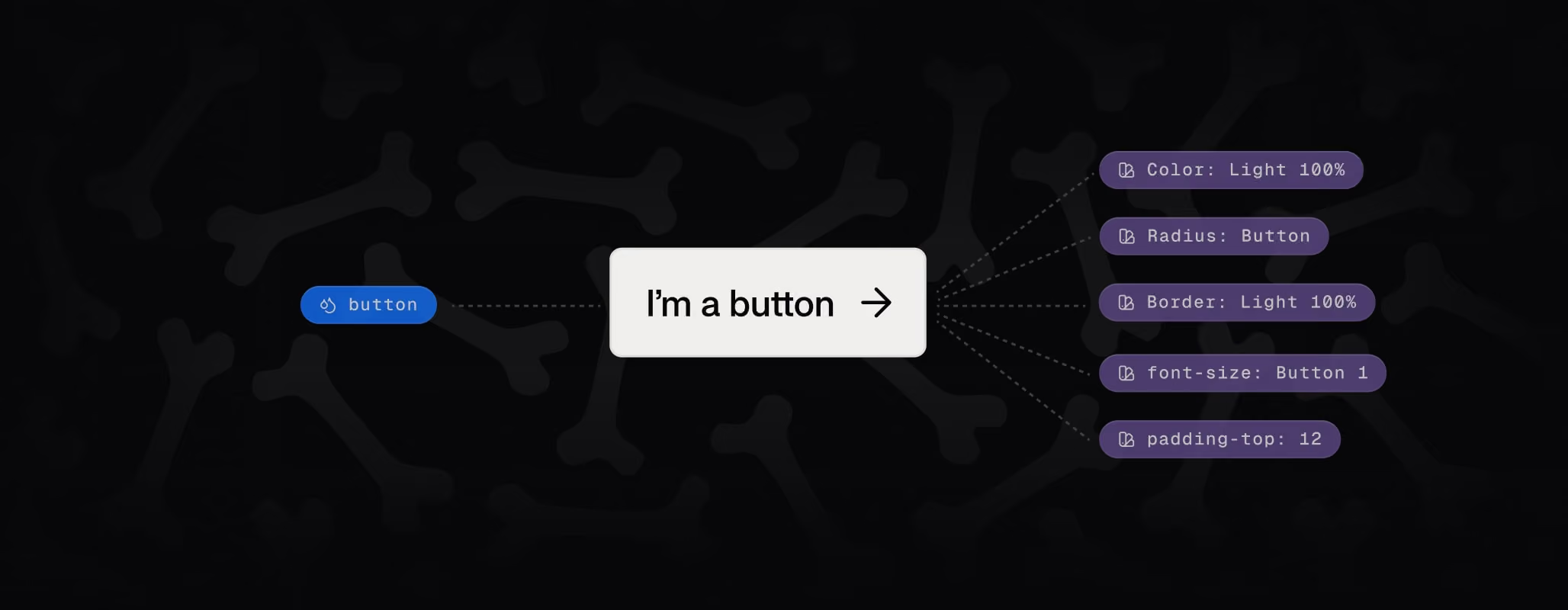
Variables handle global changes, but classes are still useful when:
- you want a unique variant not meant to update globally
- you are creating a special layout for one page
- you need to style a specific component differently
Avoid detaching Variables unless you know what you’re doing — staying within the system keeps everything scalable.
