BYQ Wireframes

The layout, before the look.

285 unstyled sections built on variables. Paste one into Webflow or Figma, copy the HTML, or let your AI pull it as React and Tailwind.

Born in Webflow.Built on variables. Change one, every section follows.

Clone the free Style Guide
Variables
Color
NameBase mode Mobile (<767px)
Neutral
Dark 100%#1f2326
Dark 64%64%64%
Dark 8%8%8%
New variable
Background
Background 1#f4f3f0
Background 2#e9e7e2
Background 4#1f2326
New variable
Accent
Accent 1#1f2326
New variable

Copy it where you build.One wireframe, four ways out.

Browse the wireframes
  • Paste it

    Into Webflow, where your variables style it on arrival; into Figma as native layers; or as HTML.

  • Or ask for it

    Through the BYQ MCP, as React and Tailwind for Claude Code, Cursor or any MCP client.

Set your brand once.Every wireframe you paste follows.

Clone the free Style Guide
  • In Webflow

    Built on the clonable’s variables: change a colour or a font and every wireframe follows.

  • In Figma

    The community file carries all 285 as native layers by category, ready for your own styles.

BYQ MCP

Works with your AI agent.Ask for the bones in plain words. Your agent pulls the layout over MCP and styles it to your tokens.

About the BYQ MCP

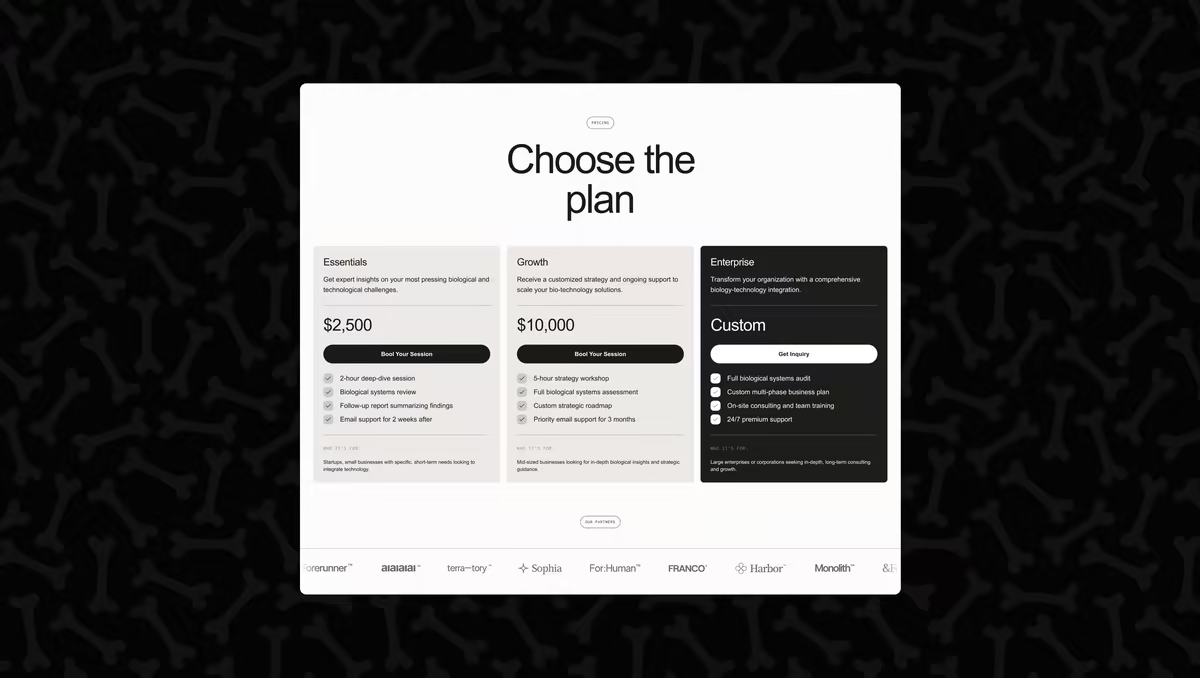
Every part of a page.Already in the library.

Open the wireframes

Ready for the era of AI.Ask for it, style it, or strip a section to its bones.

Ask for it in your AI

The whole library as 8 tools inside your AI app. Ask for a team grid or a pricing table and the wireframe arrives as React and Tailwind, ready for your tokens.

Set up the MCP

Pair it with a design system

A wireframe carries no colour, type or radius of its own. Hand your AI a BYQ design system beside it and the bones come back in your brand.

Browse design systems
Tool calls the BYQ MCP answered last month, from designers and their agents.

Strip any section to its bones

Most library sections were designed on a wireframe. Open one, switch on wireframe mode, and copy the layout underneath instead of the design.

Browse the sections

One library,more ways to build with it.

Frequently askedquestions.

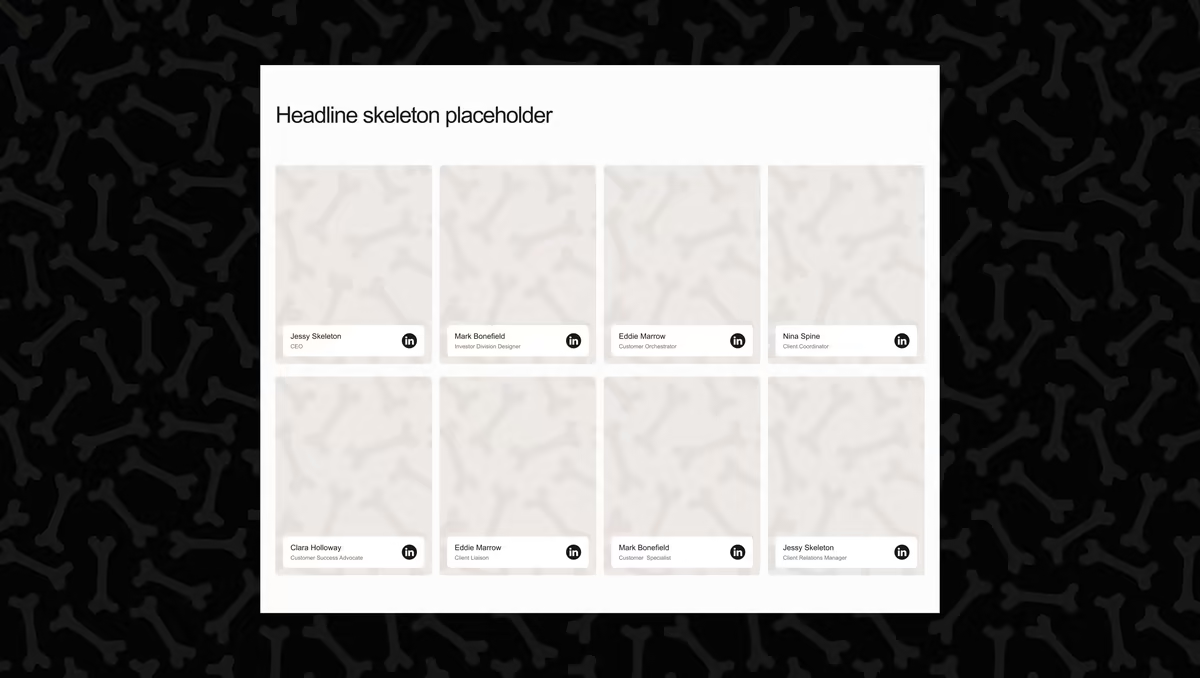
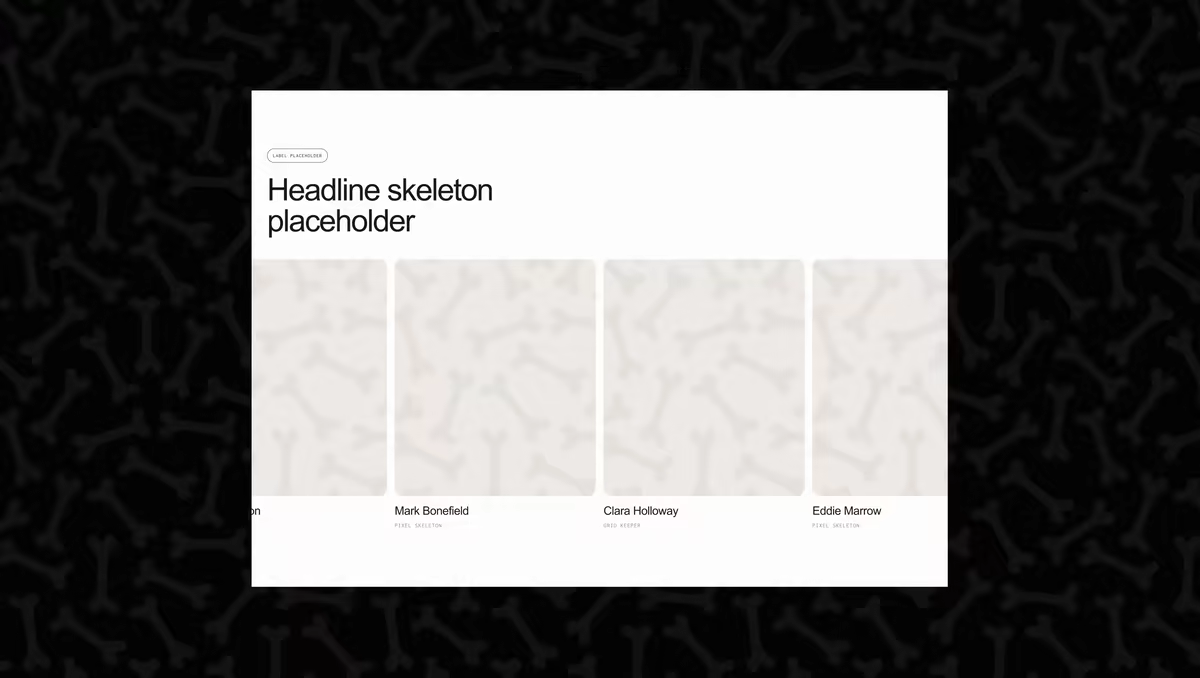
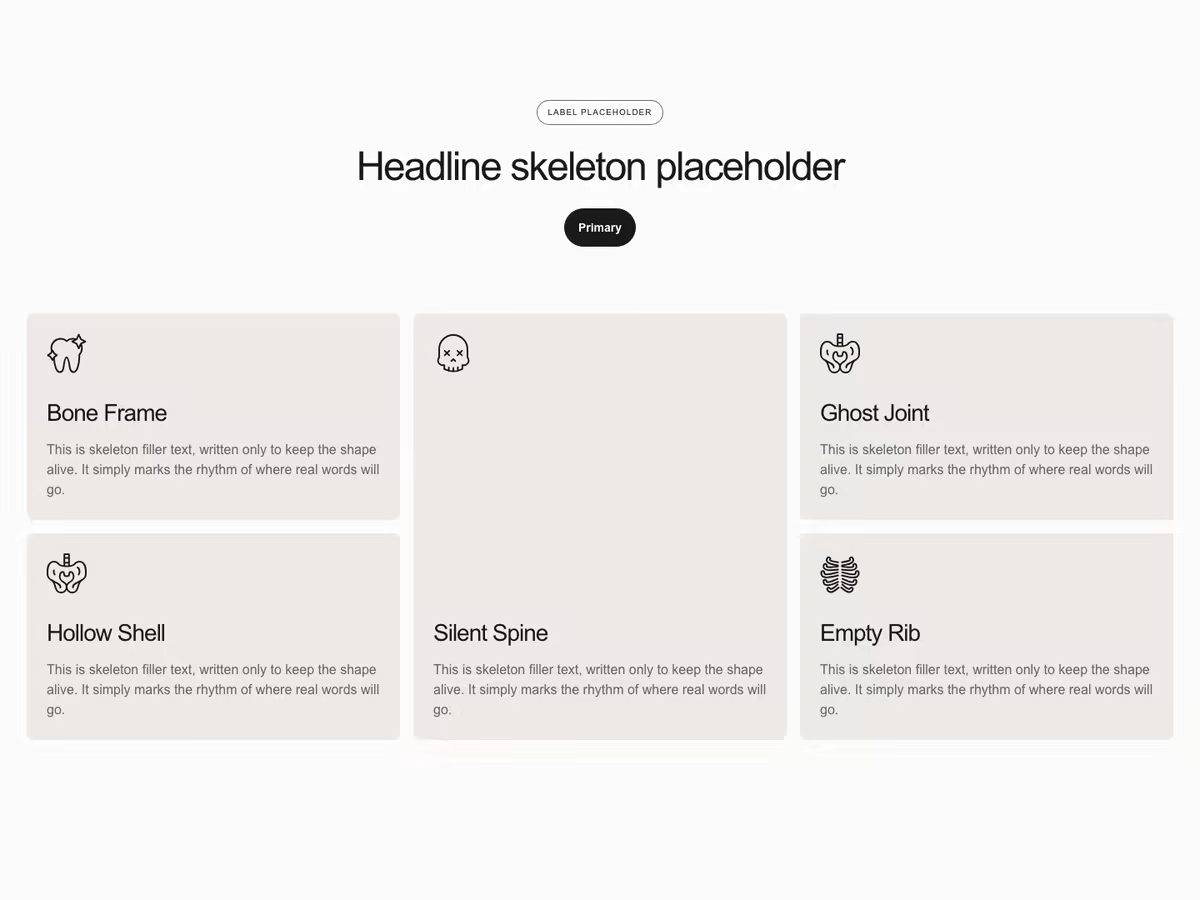
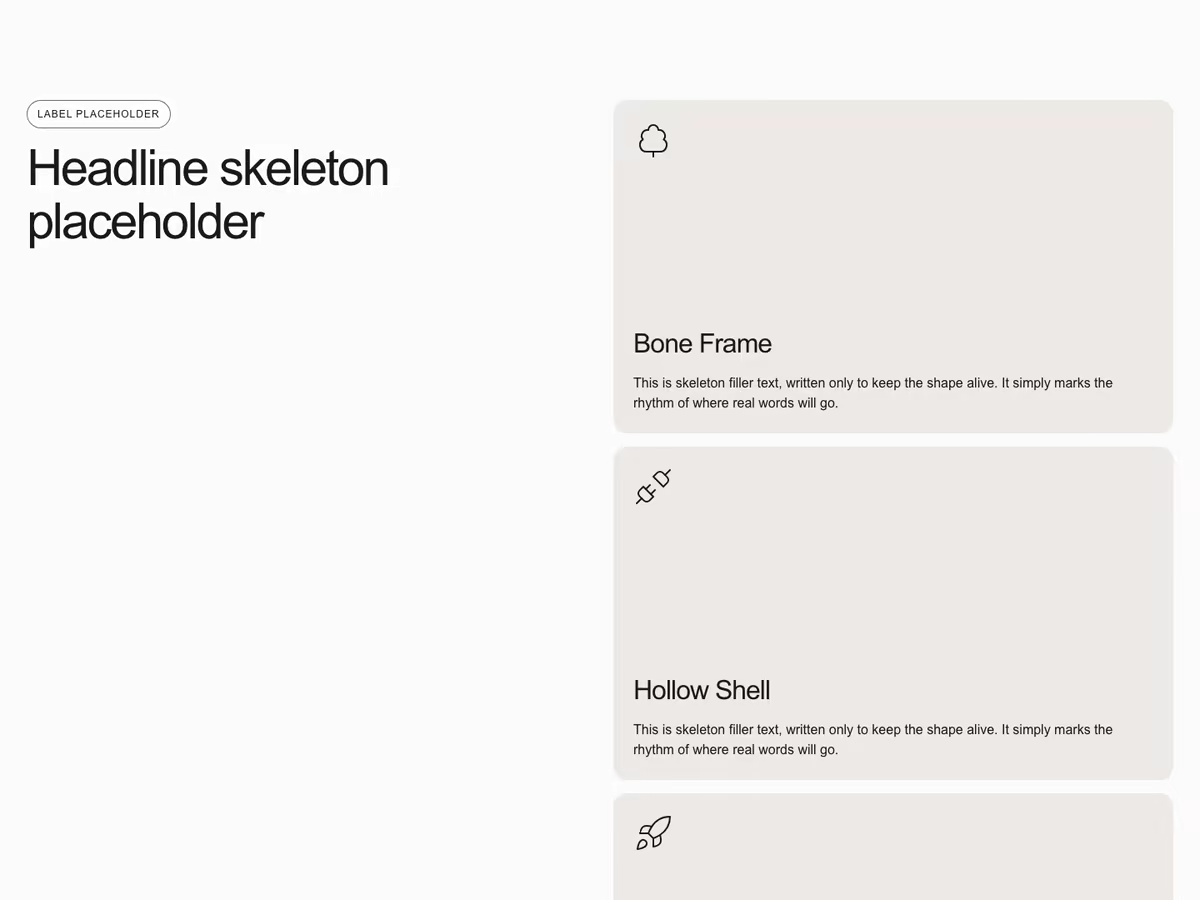
285 unstyled, variable-based section layouts: heroes, feature grids, pricing, testimonials, CMS grids, contact, footers. A wireframe is the bones of a section with its structure, spacing and motion kept and the surface removed, so the decision you make with it is what goes on the page and in what order.

A section arrives designed, with a template’s colours, type and imagery. A wireframe arrives neutral and takes its look from your variables in Webflow, your styles in Figma, or your design system through your AI. Most library sections were built on a wireframe, and the app can show either one.
Every wireframe copies to Webflow, to Figma as native layers, and as HTML. Through the BYQ MCP your AI gets it as a React and Tailwind component. There is no Framer target for wireframes today.

Yes. Wireframes are built on Client-First classes and Webflow variables, and the free Style Guide clonable holds those variables. Clone it once, set your brand in its variables, and every wireframe you paste into that site follows.

Yes, 11, across hero, navigation, testimonials, CMS grid, video and features. Anyone can look at every wireframe; Pro and Ultra unlock copying the rest. Monthly and quarterly plans copy up to 300 items a month, annual and lifetime without a cap.

The drawing is no longer the point; the decision still is. A generator fills a page with plausible structure in seconds, and it is the structure you then spend the most time correcting. Deciding the layout first, on something you can rearrange in minutes, is what a wireframe is for, whether a person or an agent fills it in.

Yes. With the BYQ MCP connected (Pro and Ultra), Claude Code, Cursor, Codex or any MCP client can search the wireframes and pull one as React and Tailwind, with instructions to style it to your project. Pair it with a BYQ design system and the bones come back in your brand.

Better not. Sections and templates carry their own class and variable architecture; wireframes rely on the Style Guide clonable’s. Keep a wireframe-based site on the clonable and bring designed sections in as a reference, or use the app’s wireframe mode to copy a section’s bones instead.

The Figma community file holds every wireframe as native layers, grouped by category, with the same structure the Webflow version has. Copy to Figma from the app pastes the layers straight onto your canvas.

They are the wireframes. The collection was renamed from Skeletons to Wireframes in September 2026; the help centre and the Style Guide clonable still carry the old name.


Stop browsing. Start building.
Customer headshot used in testimonial section of BYQ Supply website.
Trusted by 10,000+
designers and agencies
Get started for free