Contents
Search
CMS & ECommerce inside Templates
Each template includes a prebuilt CMS foundation that matches its purpose, making it easy to manage projects, posts, team members, or products.
CMS structure depends on the template type
Templates ship with CMS already wired.
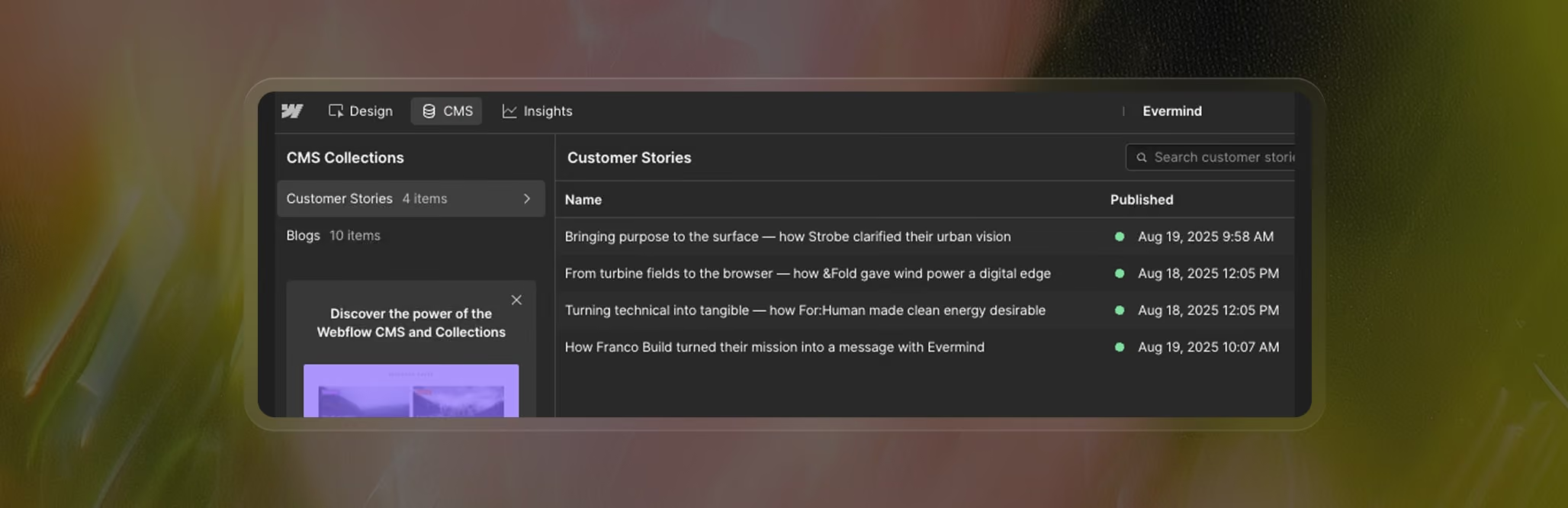
The exact structure varies depending on the template:
- blogs → posts, authors, categories
- portfolios → projects, case studies, tags
- business sites → services, team, testimonials
- landing pages → FAQs, features, pricing
- eCommerce → products, categories, cart, checkou
Editing CMS content
- update items directly in the CMS panel
- replace demo content with your own
- avoid deleting fields unless you understand the impact
- avoid structural changes inside Collection Pages
- (they are templates for all CMS items)
Conditional visibility for per-item layouts
A common mistake is editing a Collection Page thinking it affects only a single item.
Collection Pages are global templates.
If you want something to appear only for specific CMS items, use Conditional Visibility.
For example: “Show this block only if Category = Branding.”
ECommerce in templates
If the template includes store pages, you’ll find:
- product template
- cart
- checkout
- order confirmation
- category browsing
Layouts are already designed — you only add your own products and pricing.\
A practical checklist to follow before launching your site — SEO, assets, CMS updates, drafts, and more.
