BYQ Design Systems
Every BYQ system is one site's look, written as files: DESIGN.md for your AI, tokens.json, theme.css and variables.css for your code. 300+ in the library, or extract yours from any URL for about one AI token.
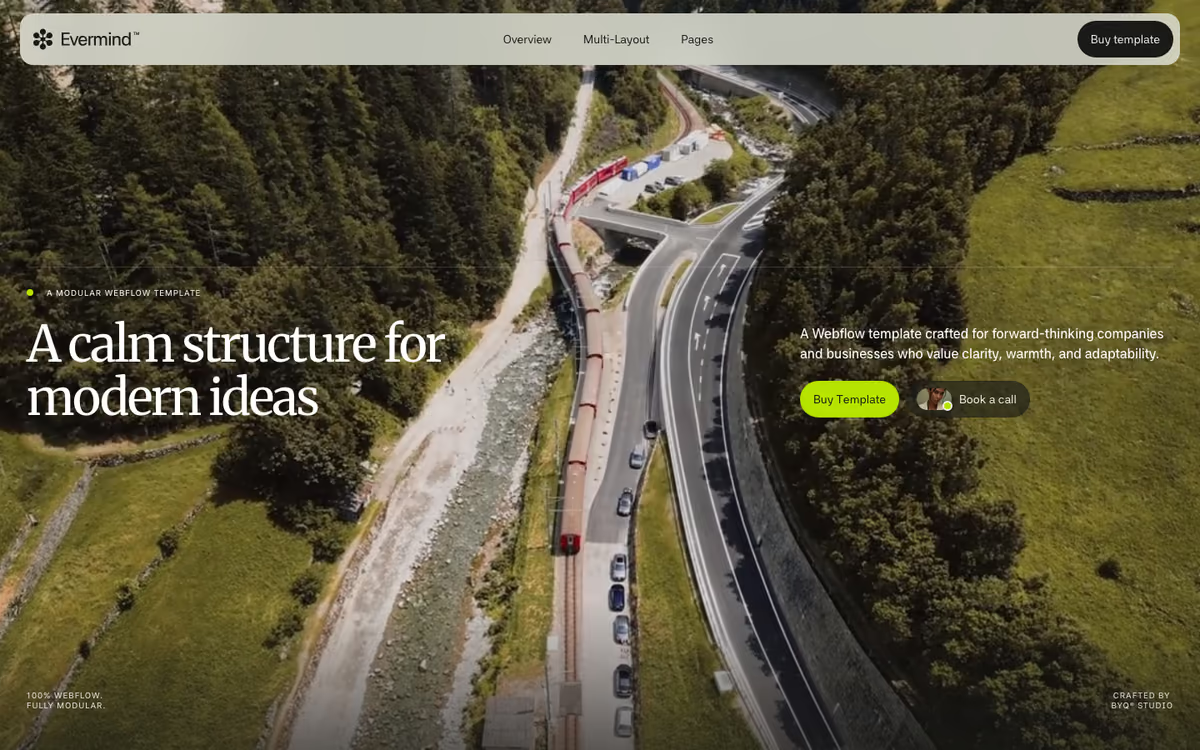
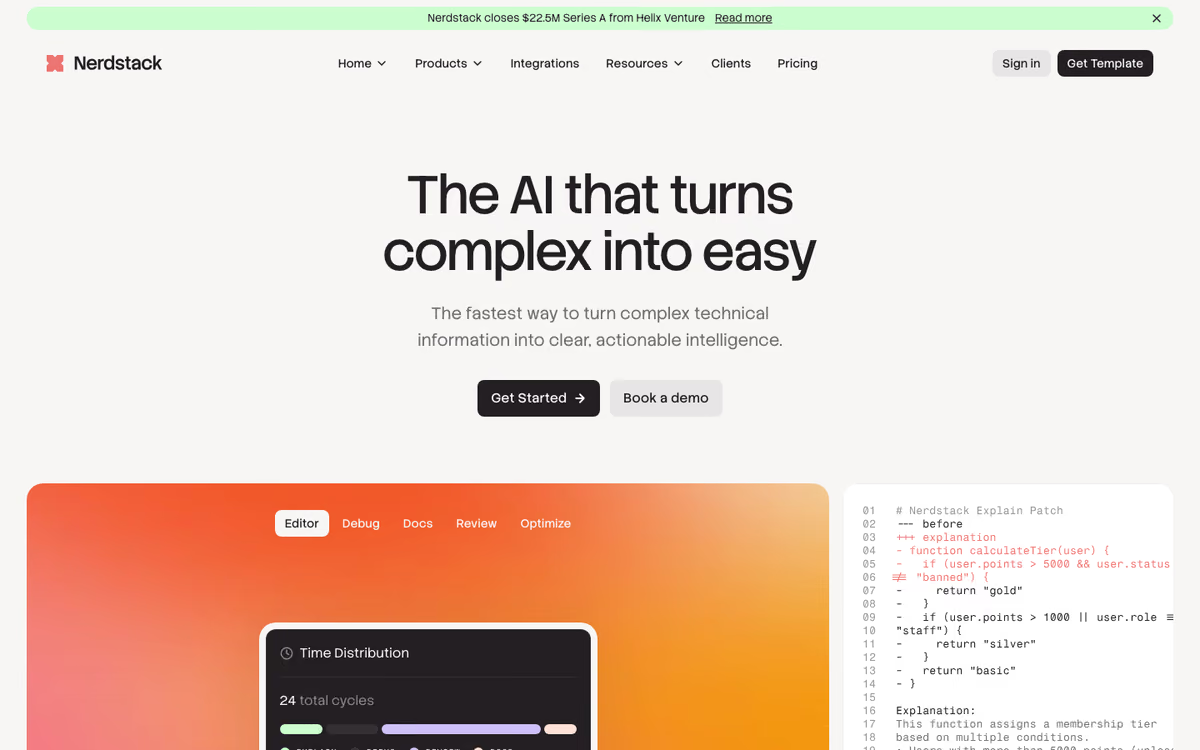
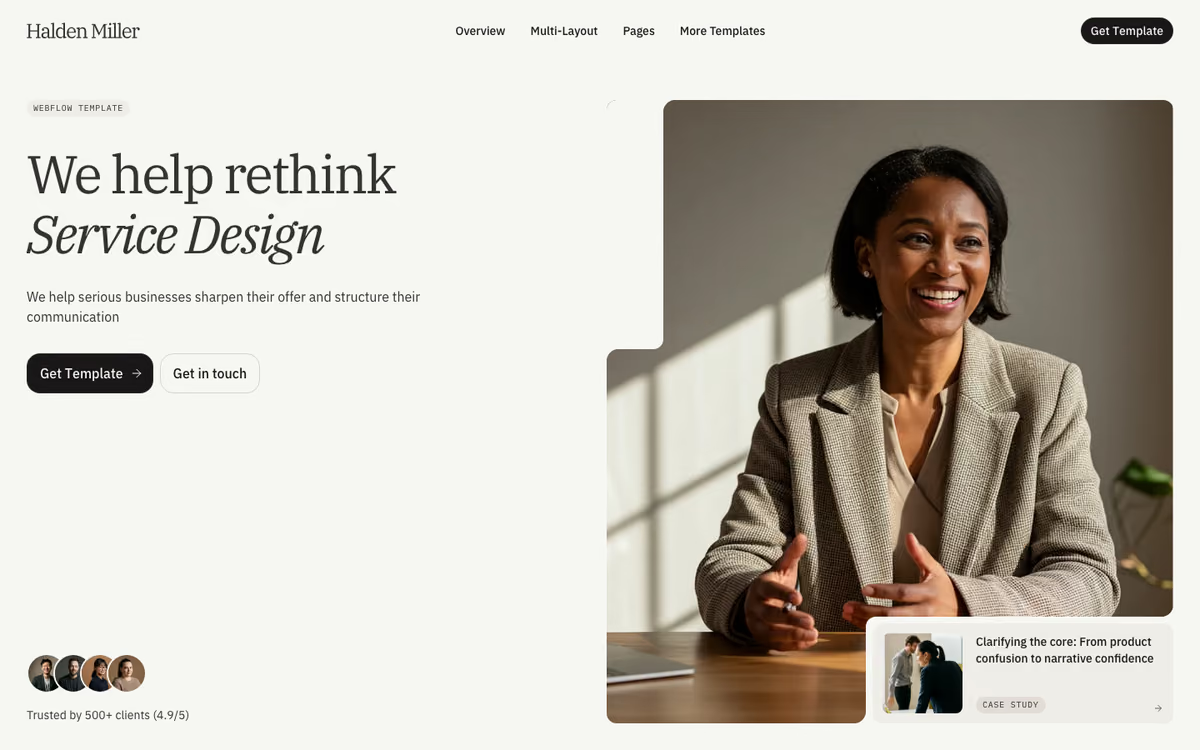
Using Merriweather for headings, Midnight Moss on Eversand Mist, 32px buttons.
Generated pages drift because every prompt starts from nothing. A design system is the file that makes the tenth section match the first.
One extraction, written four ways. DESIGN.md gives your AI the colours, type scale and spacing with their roles, and the same values go to Figma, Tailwind v4 and any CSS as tokens.json, theme.css and variables.css.
Pricing
Systems made from a BYQ template come with the template's sections in the library. Systems extracted from a brand site describe the look only.
Any site. Paste the URL.
BYQ reads the live CSS and writes the colours with their roles, the type scale, spacing, radius, shadows and motion into the same four files.
About one AI token. Yours to keep.
Every account starts with five tokens. A system you generate sits beside the library ones in your account and in your MCP.
Search by name or look.
Claude, Claude Code, Cursor, Codex and Lovable search the design systems over MCP and pull the one that fits, on Pro and Ultra.
Any of the four files.
Ask for the DESIGN.md to design against, or tokens.json, theme.css or variables.css to build with, straight into the project.
Claude, ChatGPT, Cursor, v0 or Lovable, or installed as a Claude Skill. The rules, roles and example prompts.
W3C design tokens: load them into Figma with Tokens Studio, or feed Style Dictionary.
One @theme block, so utilities take the system’s colours, type and radii.
Plain custom properties on :root. Drop into any stack, or into Webflow custom code.