Work with Sections effectively
To get the smoothest experience using Sections, keep these tips in mind.
1. If you’re building a full page, stick to one collection
Mixing Evermind + Hollow + Forerunner works visually, but class naming and overrides will multiply quickly.
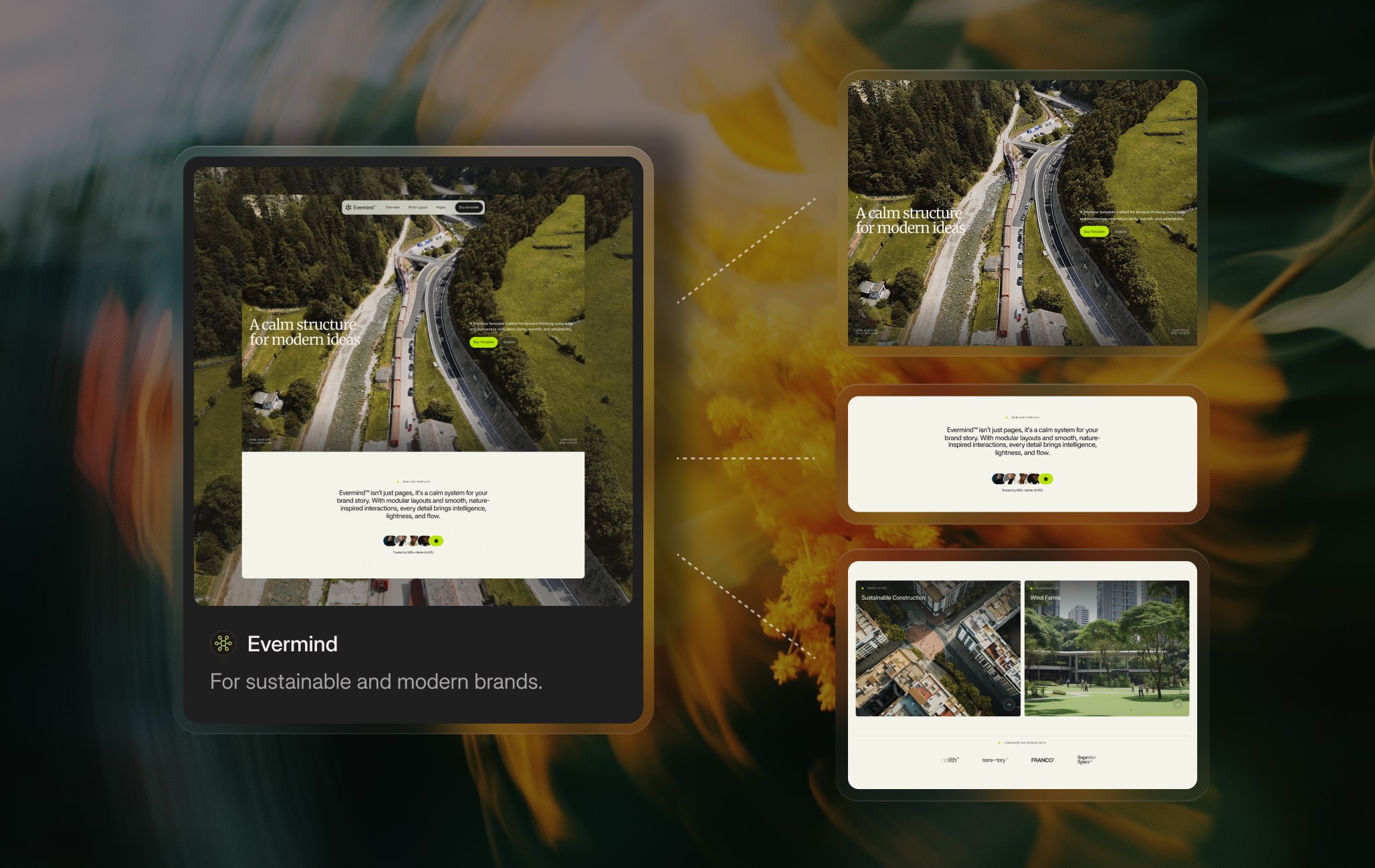
Staying within one collection keeps your project cleaner and more consistent.
2. When pasting into an existing project
If your project already includes classes with the same names, Webflow will generate variations such as [class]heading-2[/class] or [class]section-3[/class].
This is normal and expected.
The good part? You can clean all of this extremely quickly while preserving the exact structure and design of the Section.
3. Class cleaning for users who want a clean system
If your project has global typography, spacing, containers, or button classes, here’s how to integrate Sections smoothly:
- Replace the Section’s main [class].section[/class] or [class].container[/class] classes with your own global equivalents
- Remove heading classes so they fall back to your project’s global typography
- Remove text classes to let your default body style take over
- Replace the button class with your global button
- Keep all structural classes (grids, wrappers, content blocks) because they shape the visual layout
- Optionally rename them to match your naming system
This gives you a clean, scalable result while still using the visual layout of the Section.
4. Customize before you copy, not after
If you want to change a section’s colors or make small tweaks, do it on BYQ before copying — not in Webflow afterwards.
- For color changes, use Themes to swap the palette before copying. The pasted section will already use the new colors with the same class structure intact.
- For small content or layout tweaks, use Edit with AI before copying. The pasted section will reflect those changes.
Doing these adjustments on BYQ means you don’t have to manually re-style multiple elements inside Webflow, and the section’s internal consistency stays intact.
5. Pick the right copy method for the job
Sections can be copied to Webflow, Figma, Framer, or as a Prompt for AI coding tools. Match the method to where you’re actually building:
- Webflow project → Copy to Webflow
- Figma file → Copy to Figma
- Framer project → Copy to Framer
- Code project with an AI coding tool → Copy Prompt
Don’t paste a Webflow copy into your code project and try to retrofit it — start with the right method for the destination. See the Copy Prompt chapter for the code editor workflow.
6. Remember: Sections are not a framework
They don’t enforce consistency, naming conventions, or system architecture.
They’re designed for speed, convenience, and visual quality.
If you need a scalable system powered by variables, use Skeletons.
