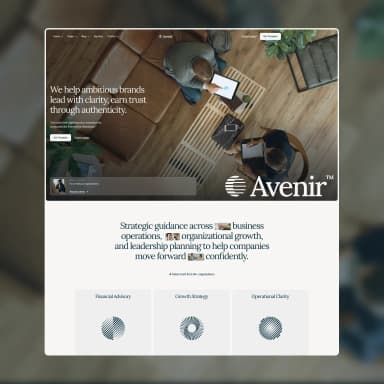
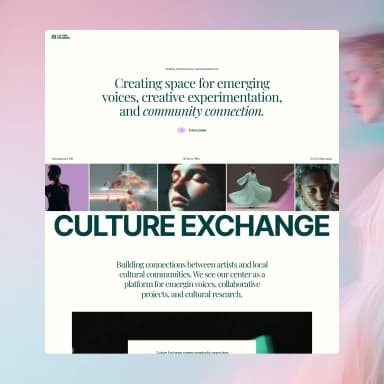
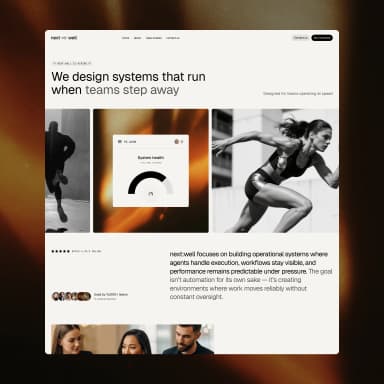
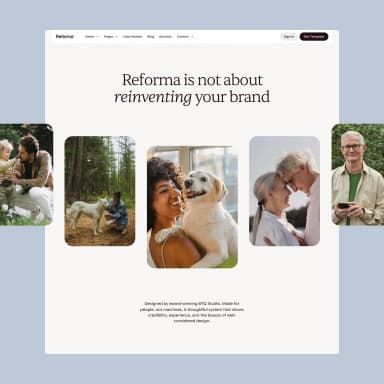
BYQ Supply is a platform that helps designers and developers build websites faster with ready-to-use components and AI tools. It works with Webflow, Figma, Framer, plain HTML, Shopify and AI coding tools.
Everything is crafted with strong design systems for fast, scalable workflows.
BYQ Studio is our design studio creating premium Webflow templates.
BYQ Supply is a broader platform housing those templates alongside Sections, Wireframes, and more tools.
In short: BYQ Studio creates; BYQ Supply distributes and expands the ecosystem.
Templates and Sections come mainly from two teams:
• BYQ Studio
• Wavesdesign
Both teams design high‑quality, marketplace‑approved products.
BYQ Supply is built by Michał Maciejewski and Marcin Chmielowski. A small, focused team working to create the fastest workflow for building websites.
We are a fully remote team based primarily in Portugal and Poland.
Everything in the BYQ library is designed by our designers, and every layout and design decision is handcrafted. AI features, such as the AI section builder and the Website Builder, create new work for you on request, and AI is also used as support for previews and workflow assistance.
BYQ works with Webflow, Figma, Framer, plain HTML, Shopify and AI coding tools, and you can build and publish whole sites in the BYQ Website Builder.
We release 3–4 new templates every month, with Sections added continuously as templates are expanded.
Yes. Post your suggestion on Ideas (/ideas) in the BYQ app, and vote on what others asked for. The Votes page ranks templates by votes, so a vote helps decide what we build next.
You can also email us at hi@byq.studio.
Yes. Before co‑founding BYQ Supply, Michał Maciejewski worked as the solo designer behind Wavesdesign templates. Today both BYQ Studio and Wavesdesign publish inside BYQ Supply.
Find your tool below to see which BYQ products apply and the one detail to know.
Webflow
Figma
Framer
Plain HTML
Shopify
AI coding tools (Cursor, Claude Code, Lovable, v0, Bolt, Windsurf, Replit)
BYQ Website Builder
We host a community space for updates, tips, feedback, and direct conversations.
Inside the BYQ app you also have a Community feed (/community) and Ideas (/ideas), where you can request features. For help, use the Help button in the sidebar to reach the Help center or Support chat.
You can view all updates on our public changelog:
A small set of gems is free on every plan. The whole library comes with Pro and Agency. Browsing, previewing and saving favourites are open to everyone. Gems, plans and limits has the details.
You can copy up to 60 times in any one hour. Gems never use your monthly section copies, which is a separate limit that only sections count against. If you reach the hourly limit, wait a little and try again. Limits explained.
The icon library is free with any account, and each of its four packs has its own open-source licence: Remix is Apache-2.0, Lucide is ISC, Feather and Iconoir are MIT. Use View License in the icon window to read the licence of the pack you picked. Read more about icon licences.
Gems are small, self-contained effects you can add to a site: hover effects, cursor trails, marquees and scroll reveals. Copy one to Webflow, Figma or Framer, copy the HTML, or copy a prompt for your AI coding tool. Some gems are free and some need Pro or Agency.
The Icon library gathers four open-source icon packs in one place: Remix, Lucide, Feather and Iconoir, more than 8,500 icons in all. Search them, set the size and colour, then download a PNG or SVG, or copy one into Webflow or as SVG for Figma and Framer.