Customizing Pages & Sections
Working inside a template
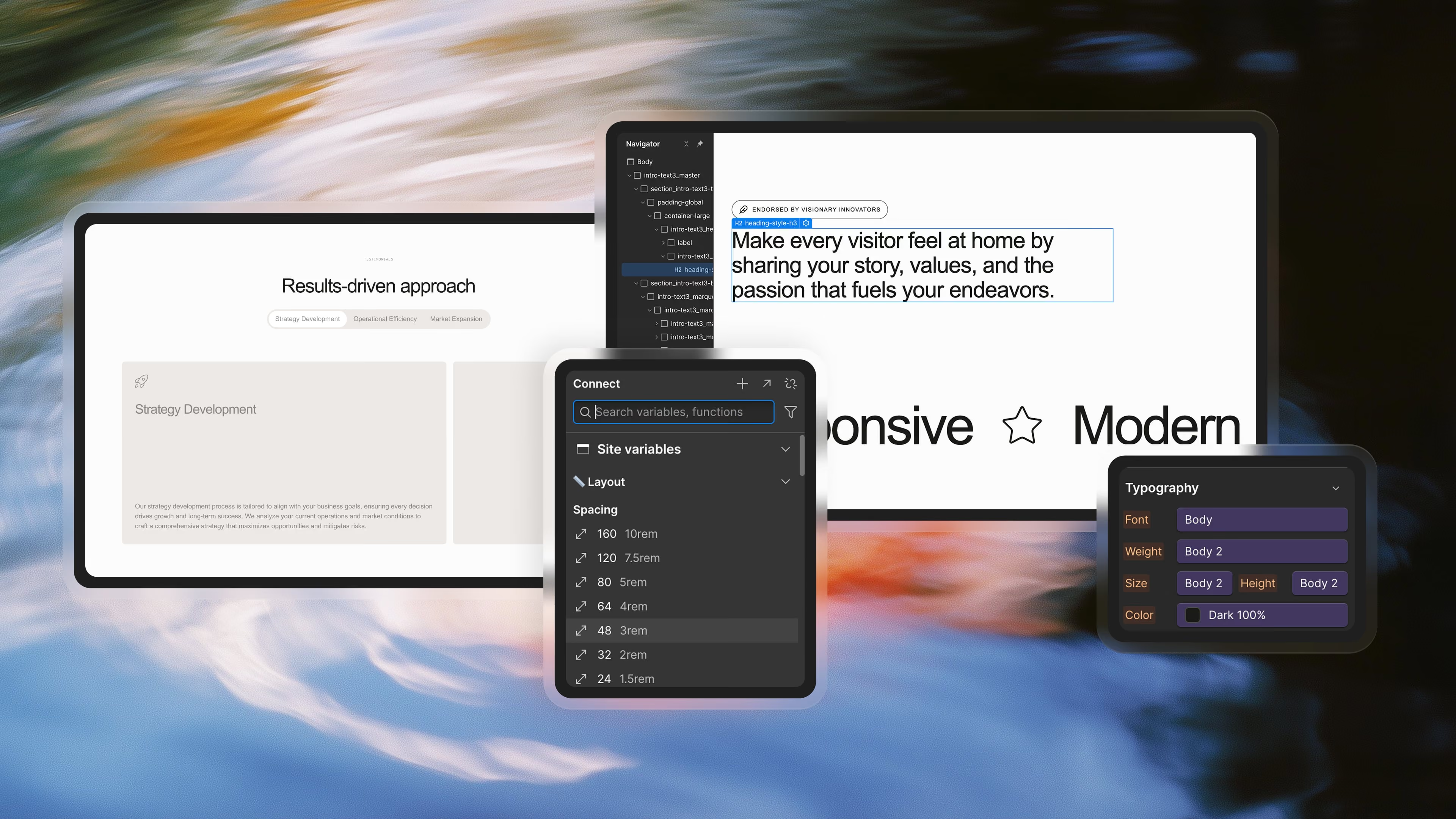
Templates are designed so you can edit text, replace images, update videos, and adjust UI elements quickly. Most work happens on the canvas through Webflow Designer Mode or via CMS collections.
Mixing and reusing sections
You can freely mix sections between pages.
Because templates use unified classes, everything stays consistent no matter how many times you move things around.
Moving sections between pages
- Select a section
- Copy (Cmd/Ctrl + C)
- Navigate to another page
- Paste (Cmd/Ctrl + V)
This flexibility is one of the biggest advantages of templates over standalone sections.
Duplicating pages for heavy customization
If you plan to heavily adjust a page but want to preserve the original version, duplicating it is the safest workflow.
You can:
- duplicate a page
- rename it
- remove sections you don’t need
- add new ones
- adjust layouts without risking the original structure
This is faster than building a new page and gives you a clean fallback.
Multiple versions of pages (Home A/B/C, About variations etc.)
Many templates include variations of the same page type.
You can mix them, merge ideas, or delete those you don’t need.
Setting your homepage
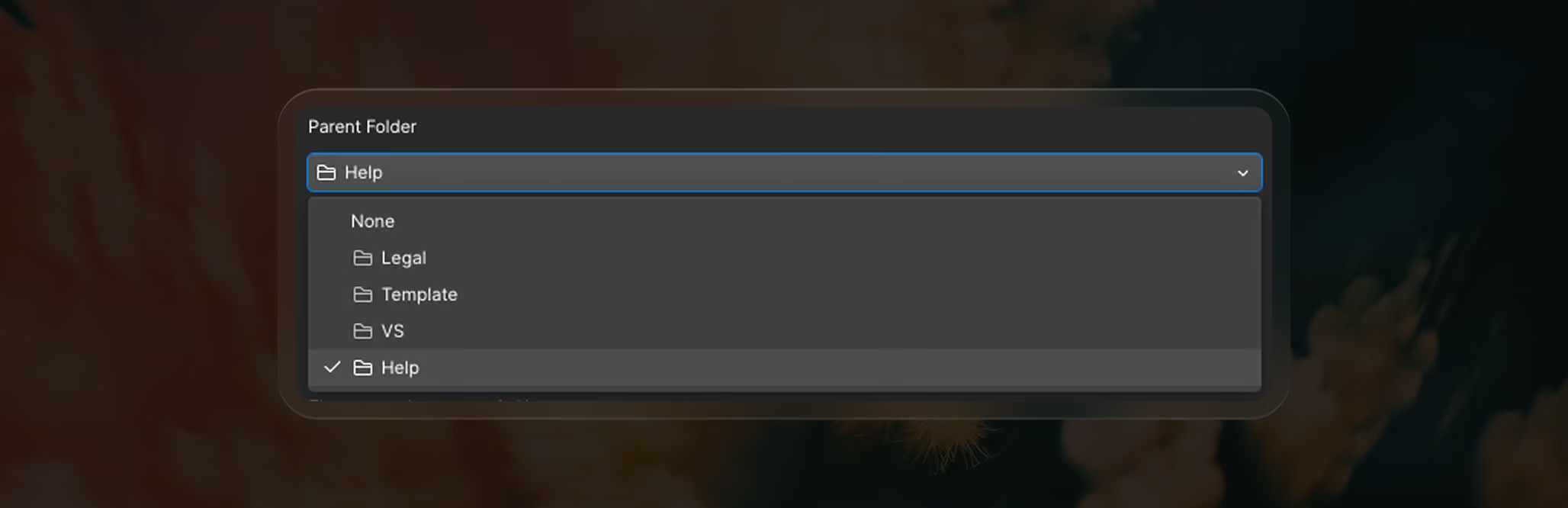
If a version is inside a folder:
- Remove it from the folder
- Click Set as homepage
Saving unused pages as Draft
If you do not want demo pages to publish to your live site, set them to Draft inside Page Settings.
They won’t publish and they won’t appear in SEO indexing — clean and safe.

Backups & restoring previous versions
Webflow automatically saves project backups.
Navigate to: Left Sidebar → Settings → Backups
You can:
- restore the project to any earlier state
- return to the moment right after installing the template
- fix mistakes if something breaks
For additional safety, you can also duplicate the entire Webflow project before making big changes.
Working with SVG icons
Many BYQ templates use SVG icons inside HTML Embeds instead of uploaded PNG/SVG assets.
We do this intentionally because:
- Better performance — no extra network requests.
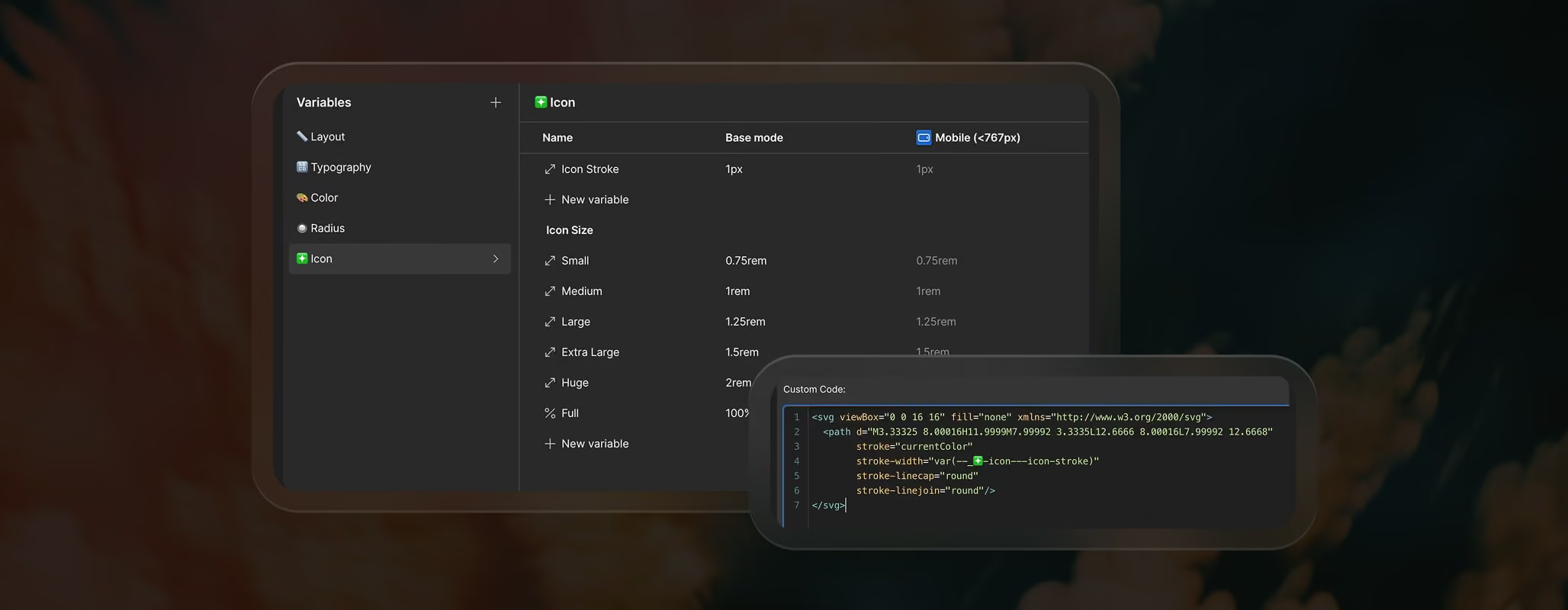
- Color control via currentColor — the icon automatically inherits the text or variable color from Webflow.
- Global styling — icons use a shared Variable for Icon Stroke, so updating stroke weight in the Variables panel updates every icon site-wide.
How to replace SVG icons with your own
If you want to swap icons:
- In Figma: right-click → Copy as SVG
- In Iconoir, Feather, or any icon library: click Copy SVG Code
- If the icon does not use currentColor or stroke Variables, you can ask ChatGPT to convert the SVG to match your template system
Then paste the cleaned SVG into the Embed block.
This gives full control without rebuilding or re-uploading assets.
