


BYQ MCP

Connect your AI agent to the BYQ library with MCP

Give your AI the BYQ library: 2,800+ sections, 275 gems, wireframes and design systems it can search and write into your project. Or let Claude build and publish a whole site.

  • ClaudePick BYQ in the connector directory
  • Claude CodeOne line in the terminal
  • CursorPaste a short snippet
  • CodexSign in with your account
  • LovableConnect in settings
  • WindsurfRemote MCP server
  • AntigravityRemote MCP server
  • Any MCP clientAnything that speaks MCP over HTTP
  • ClaudePick BYQ in the connector directory
  • Claude CodeOne line in the terminal
  • CursorPaste a short snippet
  • CodexSign in with your account
  • LovableConnect in settings
  • WindsurfRemote MCP server
  • AntigravityRemote MCP server
  • Any MCP clientAnything that speaks MCP over HTTP

Last month, design engineers made calls to the BYQ MCP and shipped better websites with handcrafted sections, gems and design systems, without ever leaving their editor.

Everything in the library,one connection away.

2,800+ sections

Search by what a section does; your AI fetches the full build with its design spec.

275 gems

Scroll reveals, marquees, magnetic buttons: motion for what you've already built.

ClaudeBYQ Supply connected
Add a testimonials section after the intro, in Northline's tone.
search_library“testimonials” in Northline's collection
add_library_sectionTestimonials · after Intro on /
Done. A testimonials section now sits under the intro, in the same voice as the rest of the page. Want me to pull in three quotes from your case studies?
Reply to Claude…

Whole sites, from the chat

Claude picks one of 70+ templates, creates the site, rewrites its pages and publishes.

NerdstackDESIGN.mdtokens.jsontheme.cssvariables.css
#0E0F12
#1F2430
#7FB2FF
#F4E7C7
#ECECEC
Aa

300+ design systems

DESIGN.md, tokens.json, theme.css or variables.css, so everything your AI writes matches.

hero.tsx design spec attached
// Hero · Forerunner · React + Tailwind
export function Hero() {
return (
<section className="grid gap-12 px-6 py-28 lg:grid-cols-2">
<h1 className="font-display text-6xl tracking-tight">
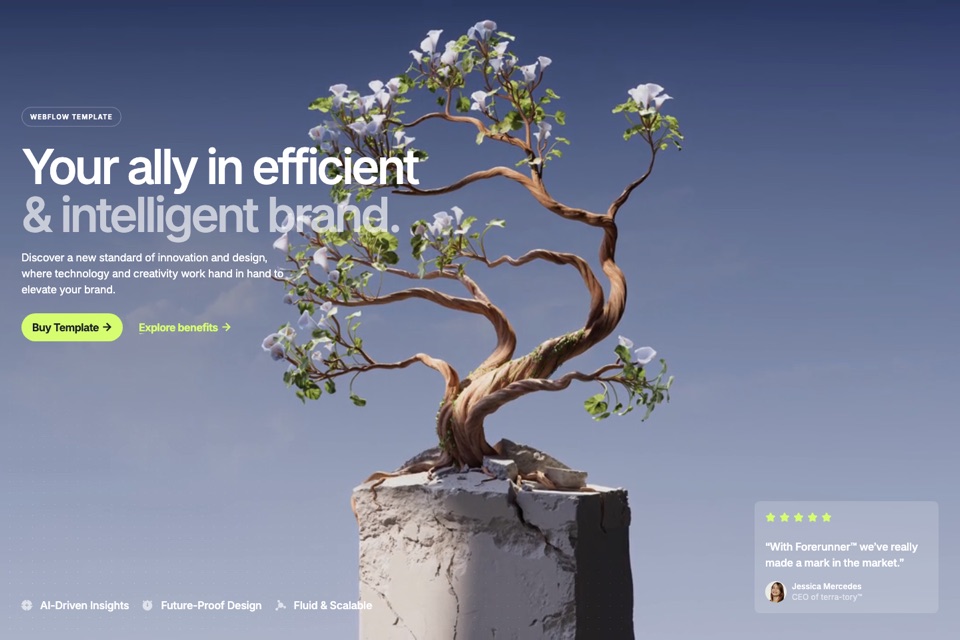
Your ally in efficient & intelligent brand.
</h1>
<p className="max-w-md text-lg text-muted">{intro}</p>
<Button href="/pricing">Buy template</Button>
</section>
);
}

Code, not pictures

Sections and gems come back as React and Tailwind, with instructions to adapt them to your project.

https://app.byq.supply/api/mcpHosted
8 library tools24 site tools
search_byq_componentsget_byq_componentsearch_byq_gemsget_byq_gemsearch_byq_wireframesget_byq_wireframesearch_byq_stylesget_byq_style
list_templatescreate_siteget_site_guideread_filewrite_filesearch_libraryadd_library_sectionfind_imageset_themeinspect_sitemanage_pageslist_versionsrestore_versionpublish_site

32 tools, one URL

Hosted by BYQ, nothing to run. 8 library tools and 24 site tools, in any client that speaks MCP over HTTP.

Build whole sites from Claude.Pick a template, rewrite it, publish. Without leaving the chat.

  • Starts from a real template. Your AI picks one of 70+ BYQ templates and creates your site from it, CMS included.
  • Edits like a developer. It reads and writes the site's files, then checks every page in a real browser before it moves on.
  • Publishes for you. One call puts it live on a byqsite.com link (publishing needs Pro, Ultra or hosting).
  • Your Claude plan pays. Building from Claude uses none of your BYQ AI tokens, and the site stays editable in the Website builder.

Connect in a minute.Pick your AI tool.

Just describe what you want.Your AI does the searching.

You don't name tools or ids. Mention BYQ in any prompt and your AI picks the right search, looks over a few matches and pulls the one that fits, from the real library instead of making one up.

Try asking

  • Add a pricing section with a monthly/yearly toggle from BYQ.
  • Find a hero with a video background in BYQ and drop it in.
  • Search BYQ for a minimal dark SaaS design system and apply it.
  • Add a BYQ gem: magnetic hover on the primary button.

Frequently askedquestions.

MCP (Model Context Protocol) is an open standard for connecting AI tools to outside services. The BYQ MCP server lets Claude, Claude Code, Cursor, Codex, Lovable and any other MCP client search the BYQ library of sections, gems, wireframes and design systems and pull what they find into your project, and build and publish whole BYQ sites from your chat.

No. BYQ hosts it at https://app.byq.supply/api/mcp. In the Claude app you pick BYQ Supply from the connector directory and sign in. In Codex you sign in too. In Claude Code, Cursor and Lovable you paste a short snippet with an API key from your MCP setup page.

The Claude app (web, desktop and mobile), Claude Code, Cursor, Codex and Lovable have step-by-step setup. Any other tool that can call a remote MCP server over HTTP works too.

Anyone with a BYQ account can connect. Searching and pulling library sections, gems, wireframes and design systems needs Pro or Ultra. Building sites from Claude runs on your own Claude plan and uses none of your BYQ AI tokens; publishing a site needs Pro, Ultra or paid hosting.

Code, not a design file. Sections and gems come back as a React and Tailwind reference build with the full design spec and instructions to adapt it to your project, formatted for your tool. Design systems come back as DESIGN.md, tokens.json, theme.css or variables.css.

Yes. With Build from Claude your AI picks a BYQ template, creates the site, rewrites its pages, checks them in a browser and publishes to a byqsite.com link, all from the chat. You can open the same site in the Website builder at any time.

The library tools only read from BYQ; your AI tool decides what to write into your project. The site tools only change BYQ sites you create or open through them.

The MCP returns React and Tailwind for building in code. For Webflow, copy sections straight from the library, or bring AI-generated HTML across with the HTML to Webflow converter.
Stop browsing. Start building.
Customer headshot used in testimonial section of BYQ Supply website.
Trusted by 10,000+
designers and agencies
Get started for free