Find and organize the right Section
The Sections library is large — over 2,000 sections across dozens of template collections. To make it navigable, the sidebar gives you several different ways to browse, and once you’re inside any view, deep filters let you narrow down even further. You can also save anything you find into Favourites for later.
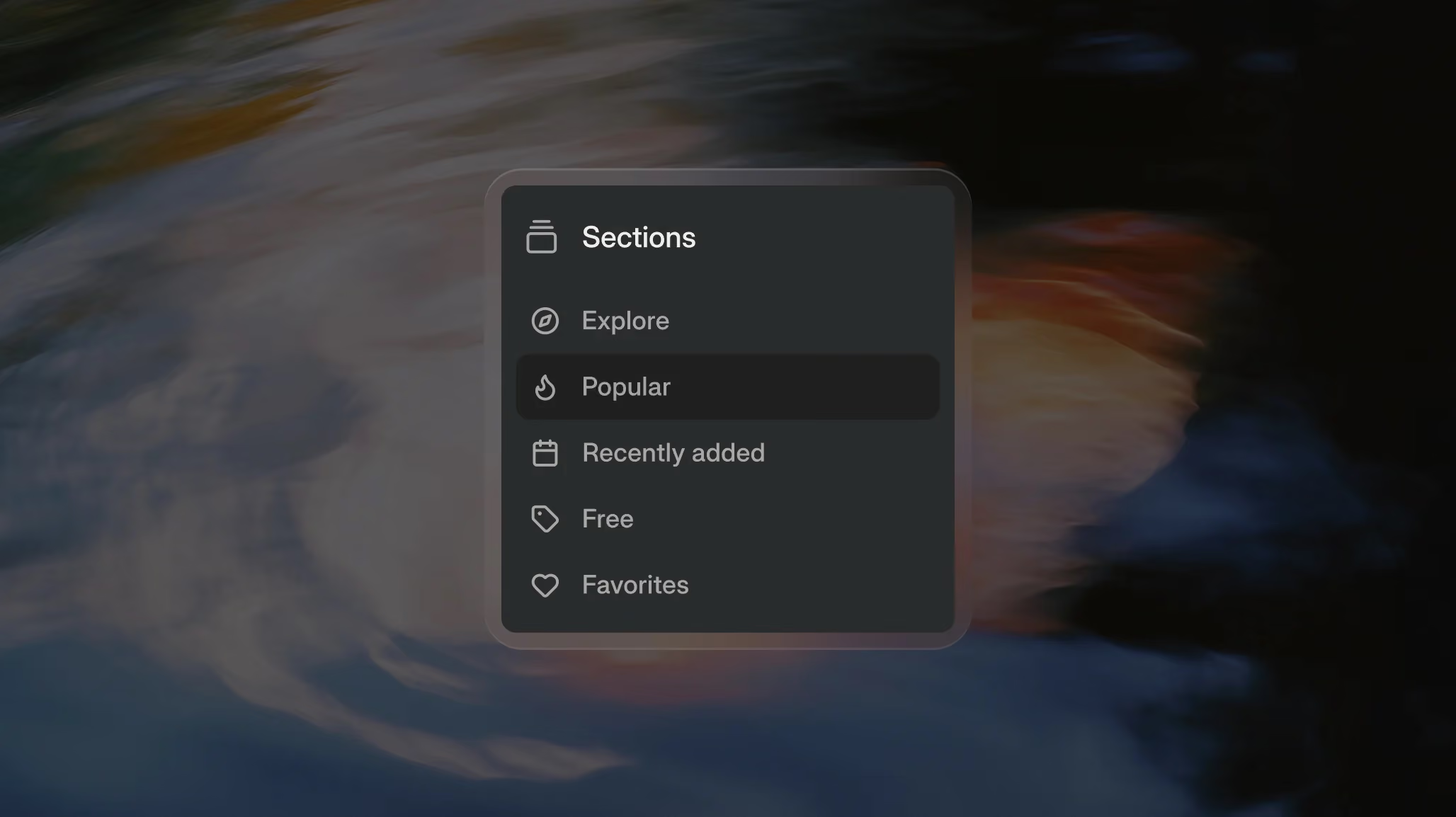
The sidebar tabs
The left sidebar offers six ways to browse the library, each tuned to a different kind of search:
- Explore — a curated landing page that mixes popular sections, recently viewed items, trending collections, and other curated picks. The fastest way to see what’s interesting right now without filtering anything yourself.
- Popular — sections ordered by how often they’re being copied across the platform. Good for finding battle-tested designs that are working well for other users.
- Recently added — the newest sections in the library, ordered by date. Best when you want to see what’s just been released.
- Free — only sections available on the Free plan. Useful when you’re exploring before upgrading, or want to know what you can copy without a Pro/Ultra subscription.
- Favourites — sections you’ve saved, organized into your folders.
Pick the tab that matches how you’re searching: by what’s working (Popular), by what’s new (Recently added), by what you’ve saved (Favourites), or by a curated mix (Explore).
Saving Sections to Favourites
Every section can be saved to your Favourites with the heart icon in the section popup.
- Open any section.
- Click the heart icon in the top right of the popup.
- Choose a folder to save it to, or click “Create new folder” to make a new one (for example, “Client X project” or “Pricing pages”).
The section is now saved to that folder and shows up in the Favourites tab in the sidebar. You can save the same section to multiple folders, remove sections from favourites with the same heart icon, and organize folders however you like.
A few practical notes:
- Favourites are personal to your account — they aren’t shared with collaborators or teammates.
- No limit on sections or folders — save as many as you want.
- Favourites currently only work for Sections — not Skeletons or Templates yet.
Favourites are most useful when you’re working on a specific project and want a quick-access list of the sections you’ve earmarked, without having to re-find them in the full library each time.
Filter deeper
Once you’re inside a view that displays sections — Sections, Popular, Recently added, Free, or your Favourites — you can refine the results further using the detailed filters below the sidebar. These let you narrow by category, collection, layout, interaction type, animation style, or platform.
For example, you can open the Popular view and filter it by “Hero,” “3 Columns,” and “Scroll Into View” to find exactly the type of section you need.
Category
Browse by purpose:
Hero, Navigation, Pricing, Testimonials, CTA, Footer, Gallery, FAQ, Contact, About, Features.
If you know which part of a page you’re building, start here.
Collection
Filter by template collection:
Evermind, Hollow, Forerunner, and more.
If you want a consistent visual language across your page or site, stick to one collection.
Layout
Filter by structure:
Full Width, 2 Columns, 3 Columns, 4 Columns, 5+ Columns, Text Left, Text Center.
Useful when your layout already has clear constraints.
Interaction
Find sections that use specific interactive components:
Slider, Tabs, Accordion, Lightbox, Form.
Perfect when you need functionality, not just design.
Animation
Search by animation style:
Looped, Scroll Into View, While Scrolling, On Hover, Marquee, Parallax.
Great for motion-heavy pages.
Platform
Filter by where the section can be used:
Webflow, Figma, Framer.
Most sections are available across all three platforms, plus they can all be copied as a Prompt for AI coding tools regardless of which platform filter applies.
Combining filters for fast results
The filters stack. Open Popular in the sidebar, filter to Category: Pricing, then Layout: 3 Columns, then Animation: Scroll Into View — and you’ve narrowed 2,000+ sections down to a handful of high-quality pricing sections that match your exact needs.
Most useful sessions on BYQ start this way: pick a browsing mode, apply two or three filters, and the section you want is right there.
