Welcome to the BYQ Supply MCP
The MCP exists because the fastest way to use BYQ inside an AI workflow is to let the AI reach the library itself. Normally you browse the site, find a section, copy its prompt or code, and paste it into your tool by hand. The MCP removes that round-trip: it gives Claude, Claude Code, Cursor, Codex, Lovable and other AI agents a direct line into BYQ, so they can search for the right piece and apply it for you — without you leaving your editor.
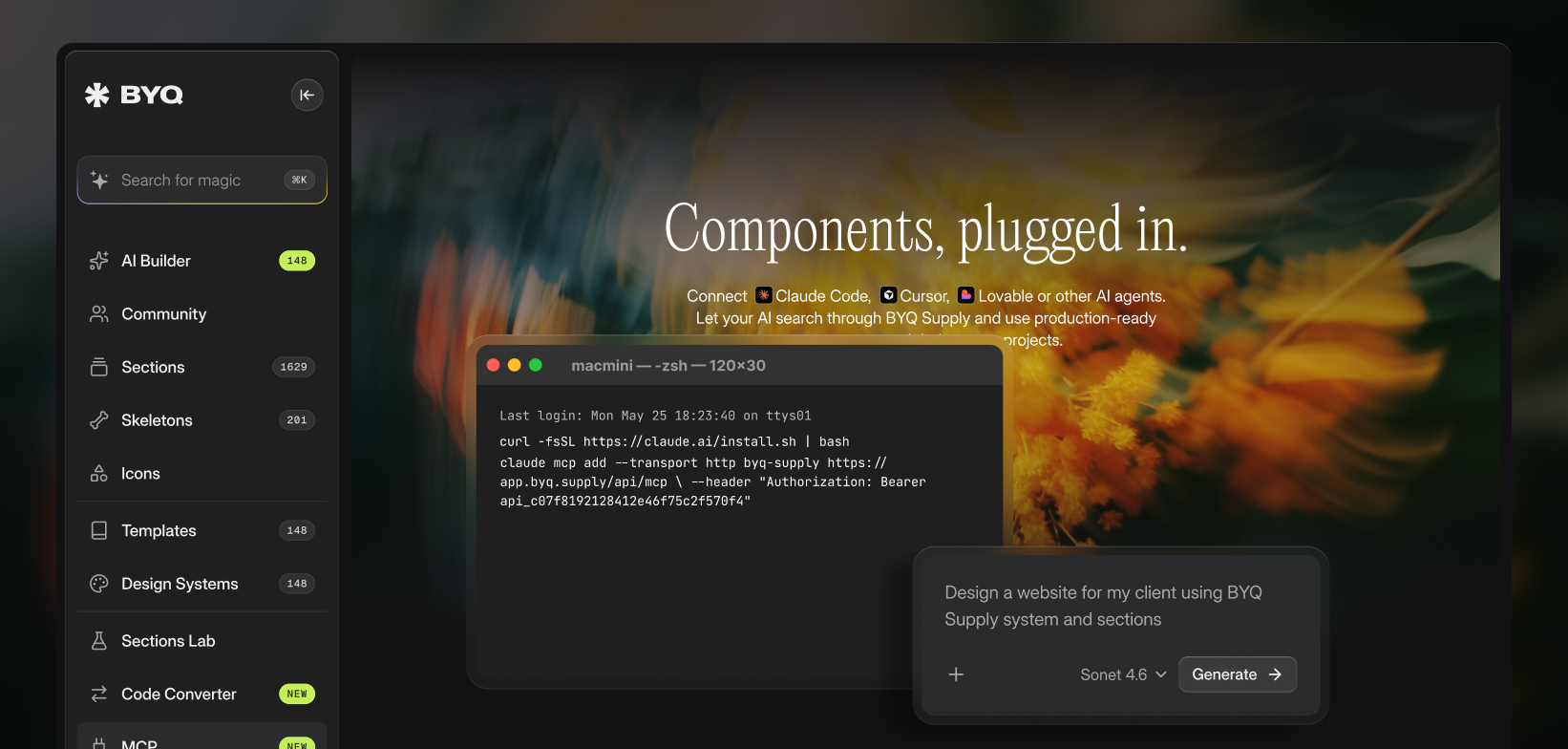
What the MCP does
MCP stands for Model Context Protocol — an open standard for connecting AI tools to outside services. In plain terms: you connect the BYQ MCP once, and from then on your AI tool can reach into the library on its own. It gains four abilities:
- Search and use sections. Your AI can search the BYQ section library by keyword or category, then fetch a full integration prompt for anything it finds — a React and Tailwind reference build, the complete design spec, setup notes, and instructions to adapt it to your project.
- Search and add gems. Small, self-contained interaction effects — magnetic buttons, marquees, scroll reveals — that drop onto something you've already built.
- Search and pull wireframes. Unstyled layout structures, for when you want the arrangement and intend to own the styling yourself.
- Search and apply design systems. Your AI can search curated Design Systems and pull a full one in whatever format fits the job — DESIGN.md, tokens.json, theme.css, or variables.css.
You describe what you want in plain language, your AI does the searching and fetching, and the result lands in your project.
Why this matters in the age of AI
AI tools are fast at generating layouts but generic by default — the same spacing, the same shadows, the same rounded buttons everyone else gets. The MCP gives your AI access to production-grade building blocks and the visual language of polished BYQ templates, so what it produces starts from a real design foundation instead of a blank slate. You stay in the tool you already work in; BYQ becomes something your AI can reach into on demand.
What you get back is code
Worth being clear about the output: this is for building websites in code. What lands in your project is React with Tailwind, adapted to your conventions — not a design file, and not something you paste into a visual builder. If Webflow is your destination, the Converter is the bridge.
What it works with
Supported out of the box: Claude (web and desktop app), Claude Code, Cursor, Codex and Lovable. Any other agent that can call a remote MCP server over HTTP will work too.
Setup differs by tool. The Claude app connects over OAuth — you pick BYQ Supply from Claude's connector directory and sign in, with no key to handle at all. Every other tool uses your BYQ address plus a generated key. Both routes are covered in Connecting your AI tool.
Availability
The MCP is part of Pro and Ultra. You'll need an active plan to generate a key or authorize the connection. Once you're connected, what your AI can reach mirrors what you'd have browsing the site yourself — the MCP doesn't change your access, it just makes reaching it faster.
A note on beta
The MCP is in active development. It already covers the whole library and works across the major AI tools, but you'll occasionally hit rough edges as we expand what it can search and how it formats results. We're improving it continuously, and if something doesn't work the way you'd expect, your feedback genuinely shapes what we fix next.
Where this fits in BYQ
The MCP is the connective tissue between the rest of the library and your AI workflow. It pulls from the same Sections and Design Systems you can browse on the site, and it pairs naturally with the Converter when your destination is Webflow. We cover the broader picture in Build with AI.
