AI & MCP
Build it in Claude. Finish it in the builder.
AI is brilliant at the first 80% of a website and wasteful at "change this headline". Split the job so each half happens where it's cheap.
AI is brilliant at the first 80% of a website and wasteful at "change this headline". Split the job so each half happens where it's cheap.
Copy-paste sections for Webflow, Figma, Framer, Shopify and your AI tools.
Picture the moment. You've just watched Claude build a whole website. Pages, copy, a hero you'd have happily drawn yourself. It took a few minutes, and you didn't open a single file.
Then you scroll down and see it. The button says "Get started". It should say "Book a call".
Three words. And you're about to do the thing almost everyone does next: you type it into the chat.
Here's what happens when you ask an AI to change one button. It reads the page. It finds the button. It changes the button. And, because it's helpful, it notices the headline above it, decides that could be tighter, and nudges the spacing around it while it's in there.
You wanted one word swapped. You got three files touched, and now you're reading a diff to work out whether it broke anything.
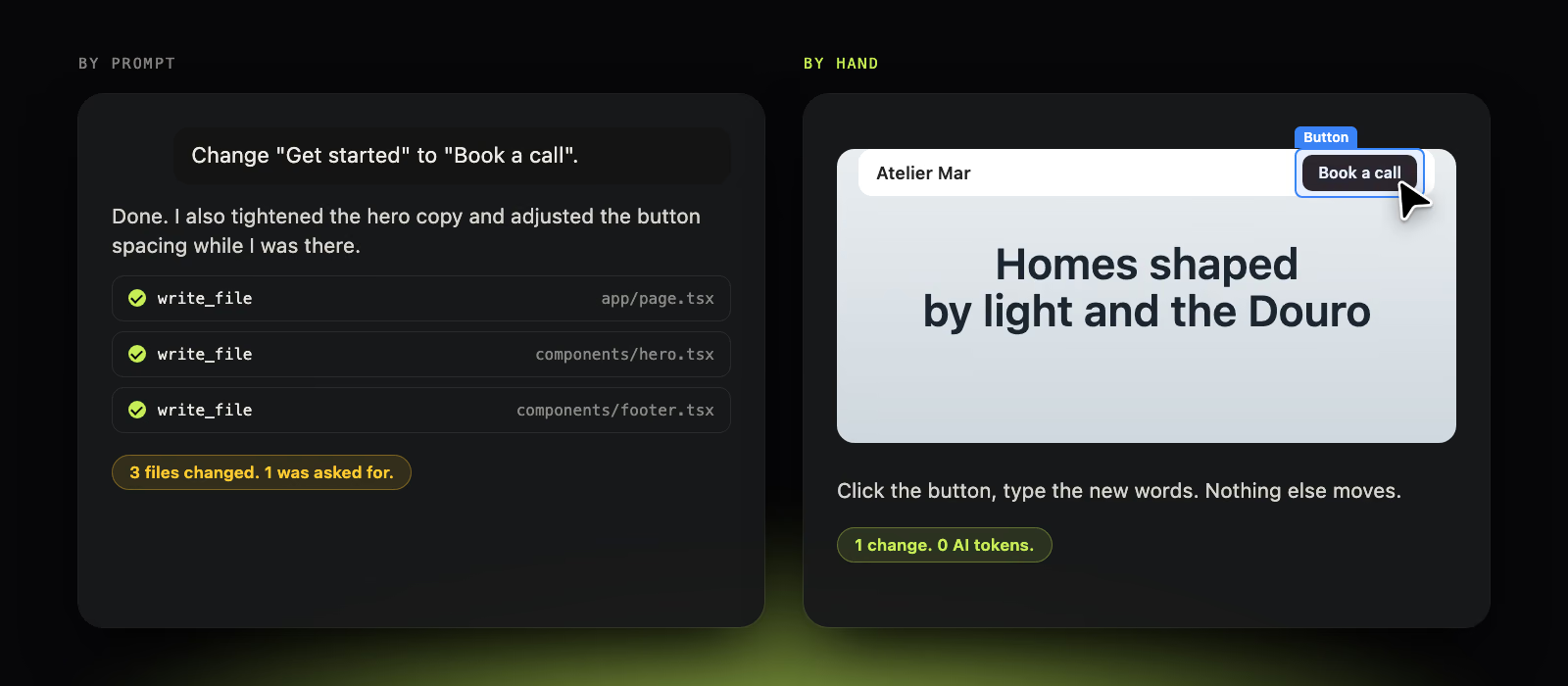
None of that is the model misbehaving. It's the model doing what it's good at, which is working across a whole site at once. That's a superpower for building and a liability for polishing.
Polishing is the opposite job. It's one thing, exactly, and nothing else. You can see the thing you want to change. You shouldn't have to describe it.
So we stopped thinking of building a website with AI as one job.
The first job is making something out of nothing. Pick a direction, choose a template, lay out the pages, write a first draft of every word. It's wide, it's tedious, and a person would need days. This is where Claude is worth every minute.
The second job is making it yours. The headline that almost says what you mean. The photo that isn't quite right. The colour that's one shade off. It's narrow and fiddly, and it rewards someone who can see the page.
Claude is the right tool for the first. The BYQ Website builder is the right tool for the second. The trick is that they're looking at the same site.
The heavy work happens in a chat, where AI is good at it. The finishing happens on the page, where you are.
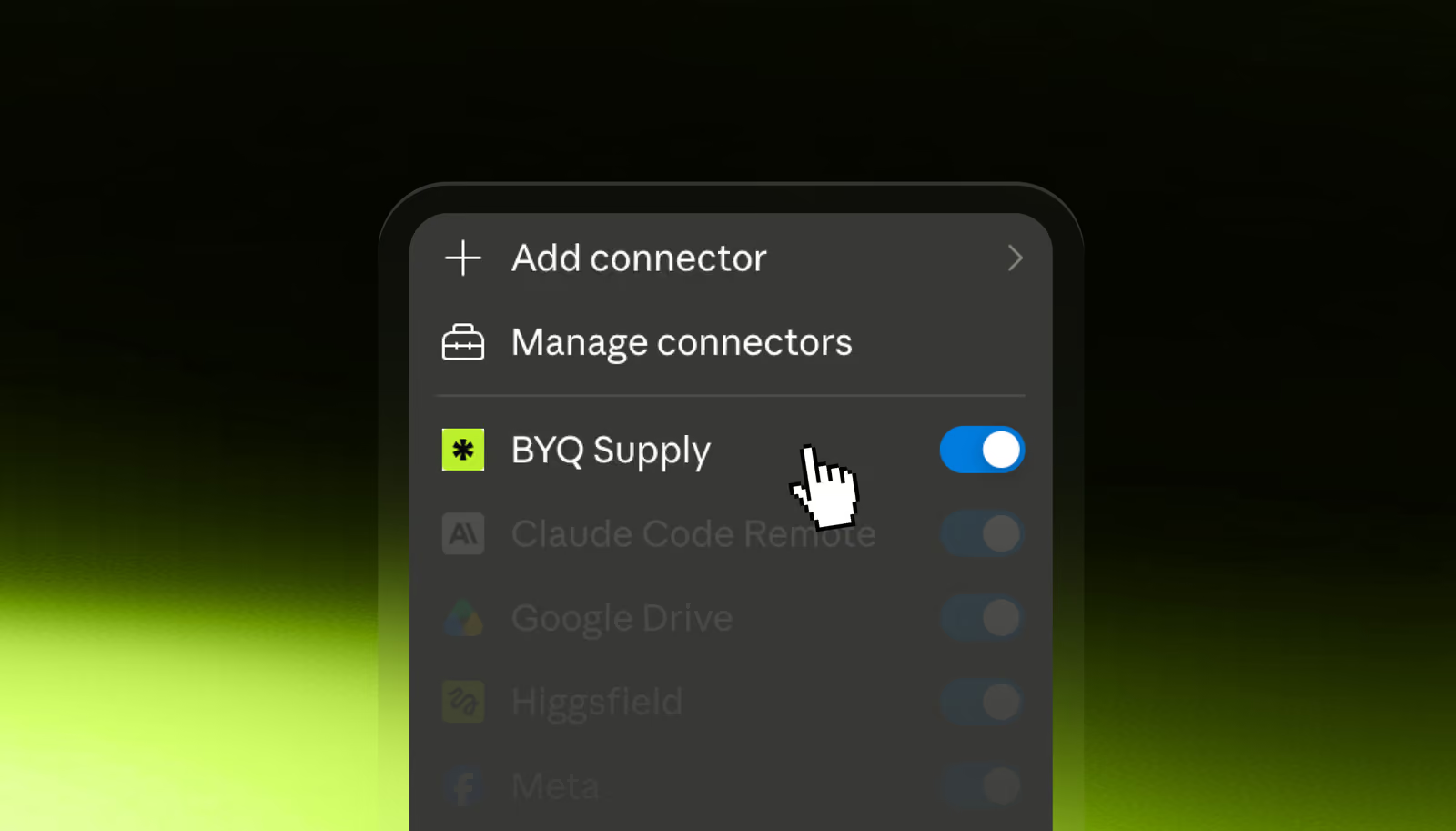
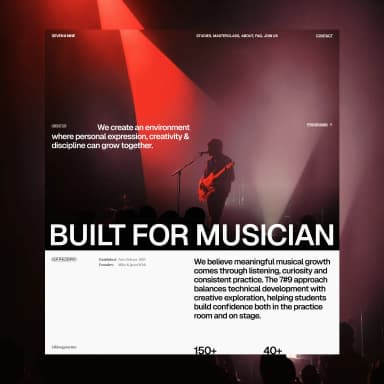
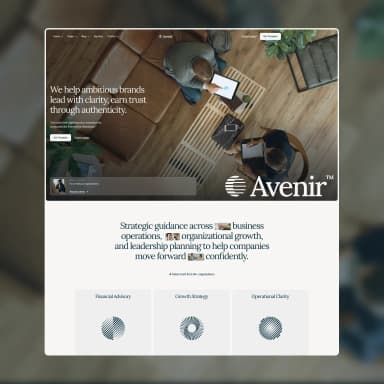
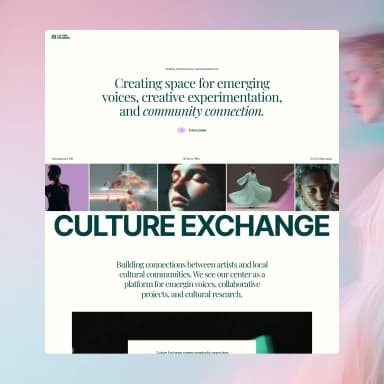
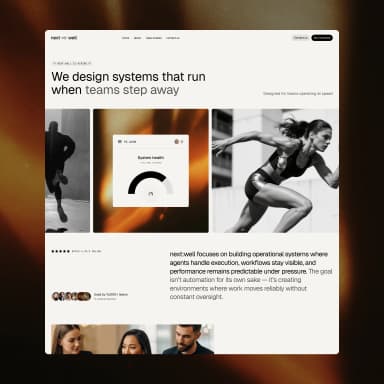
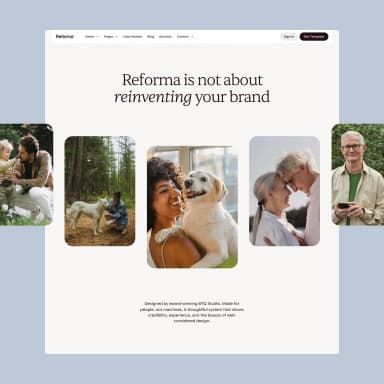
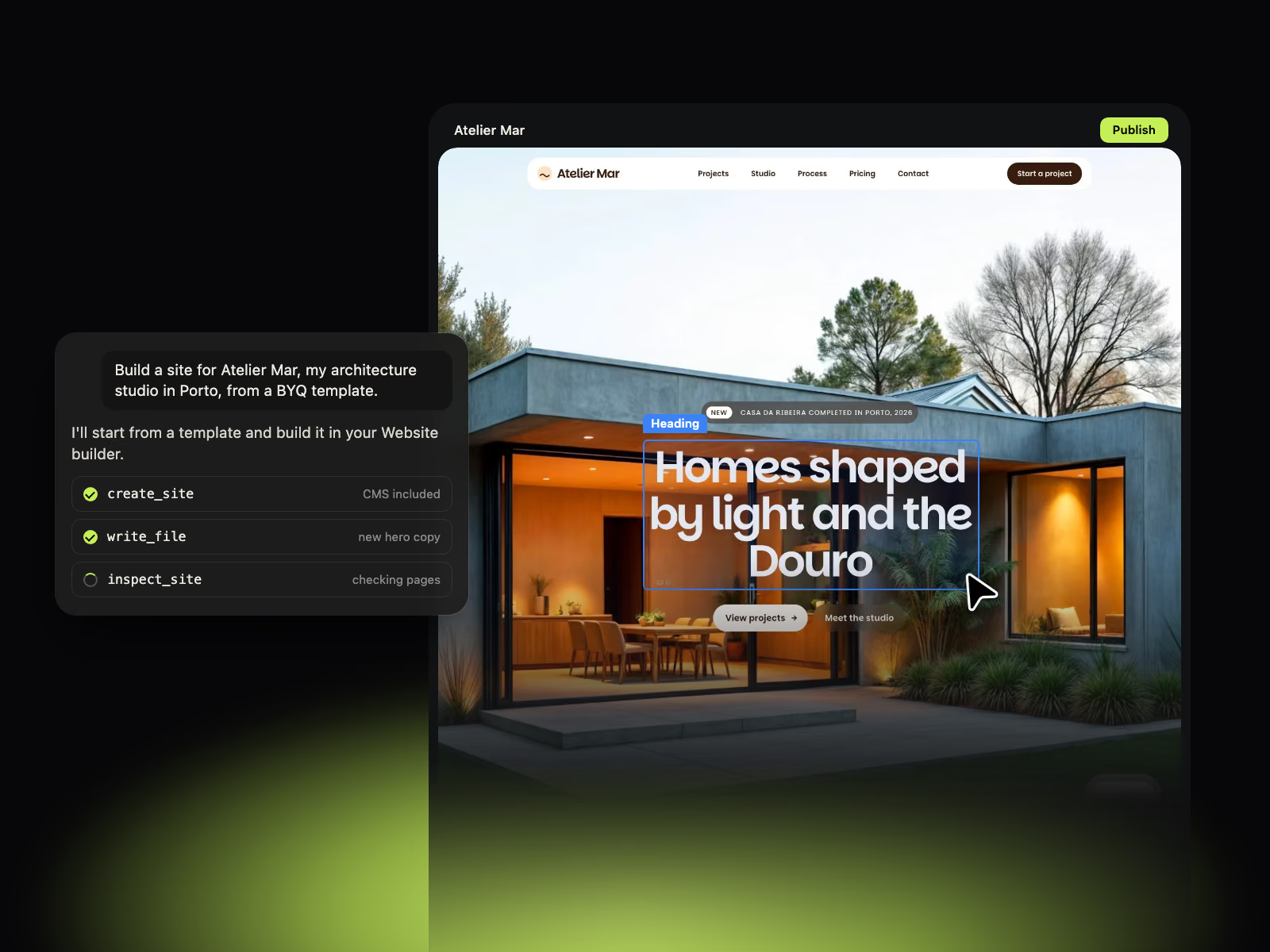
Say you're building a site for Atelier Mar, a made-up architecture studio in Porto. You connect BYQ to Claude (here's the two-minute setup) and ask for the whole thing in one go.
Build a site for Atelier Mar, an architecture studio in Porto, from a BYQ template. Rewrite it for us, keep it to five pages, and tell me when it's ready to open in the builder.Then you watch. Claude searches the templates, picks one, creates the site, rewrites the copy, and checks every page in a real browser before it moves on. You can open the live editor and see it appear while it works.
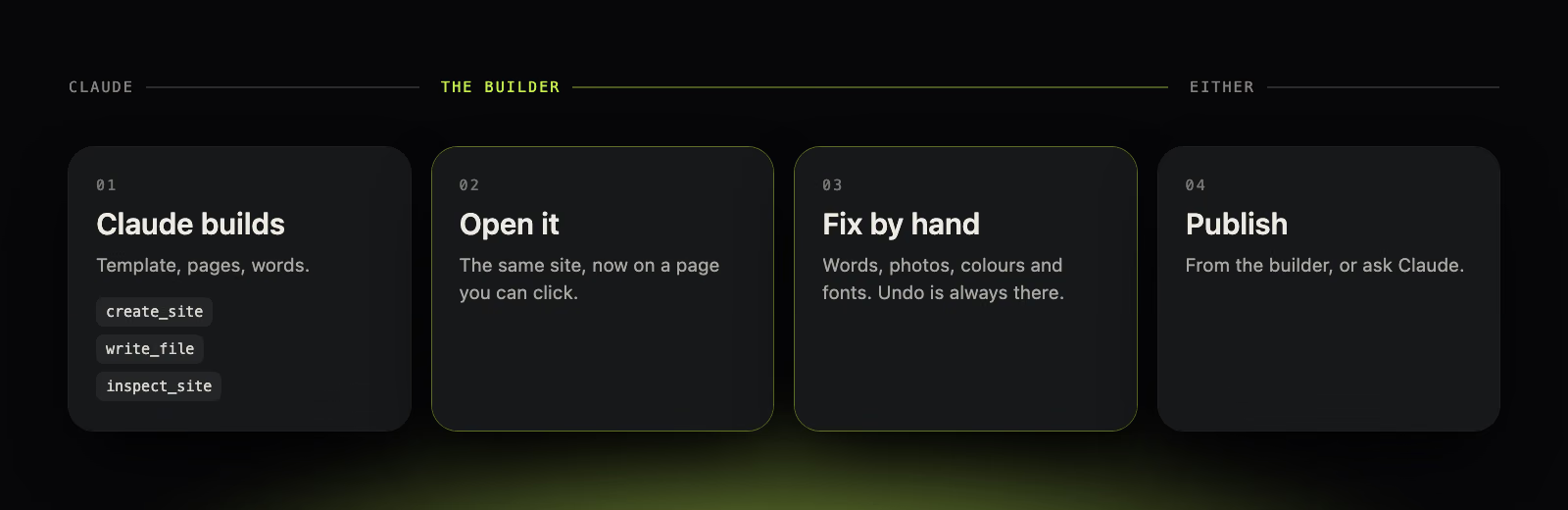
When it says it's done, you don't carry on in the chat. You open the site in the builder.
Now you're looking at the actual page, not a description of it. Click the headline and type. Click the photo and swap it. Open the Style panel and change a colour or a font, and the whole site follows.
This is the part that feels different. You're not negotiating with anything. You change a word and the word changes.
It's easy to nod at a workflow in the abstract. It's more useful to see where it lands in a real week. Here are three moments we think it earns its keep.
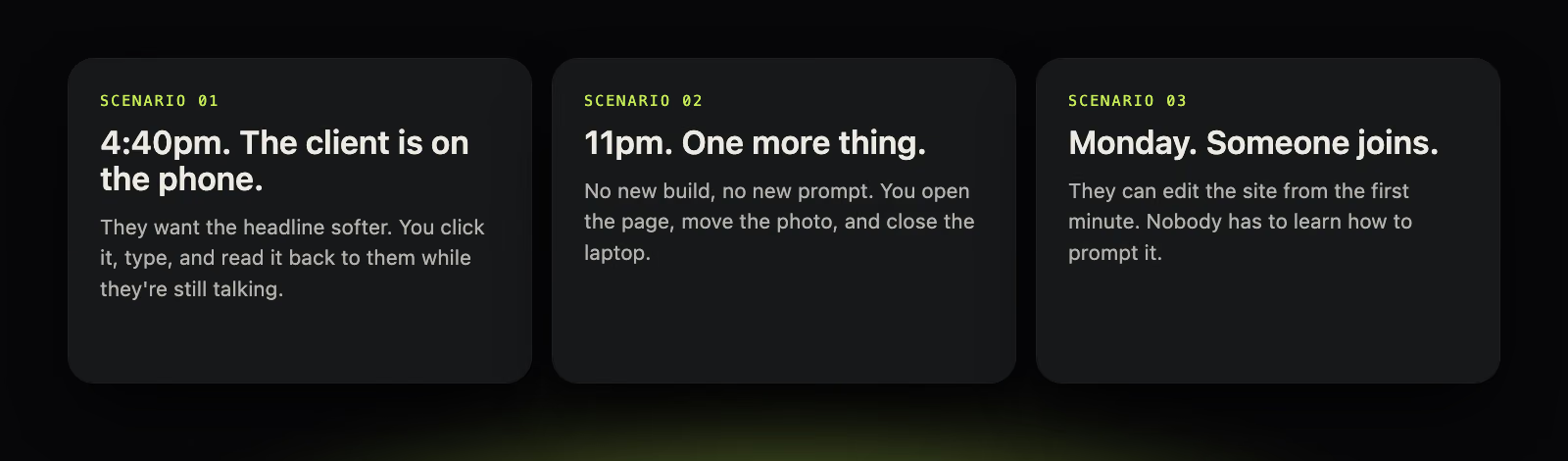
The client on the phone. It's late afternoon and you've shared the link. They like it, mostly. Then: "Could that headline be a bit softer?" Without the builder, that's a promise to get back to them, a prompt, a wait, a check, and an email. With it, you click the headline, type a softer one, and read it out while they're still on the line. They hear the change happen. It's a surprisingly good moment.
The late-night tweak. You're nearly done, and you're also tired, which is when a one-word change quietly becomes a rewrite. This is the time to stop prompting. Open the page, move the photo two inches, swap the second sentence, close the laptop. Nothing gets regenerated because nothing was asked to.
The person who joins on Monday. A colleague, a client, someone who has never typed a prompt in their life and has no wish to. In a chat-only world, that person is locked out of their own website, because the only door is a text box. In this one, they can click a heading and change it. That alone is worth a lot.
If you can point at it, click it. If you can't point at it, ask for it.
"Change this button", "swap this photo", "make this heading shorter": all things you can point at. Do those by hand. "Add a testimonials section", "build a pricing page", "rework the whole structure of the home page": nothing to point at yet. That's a request, and it belongs in the chat.
Most of the time the line is obvious. When it isn't, we find that asking "could I do this in ten seconds with a mouse?" settles it.
There's one more thing that makes the second half feel safe, and it's the least glamorous. Every change in the builder is a version.
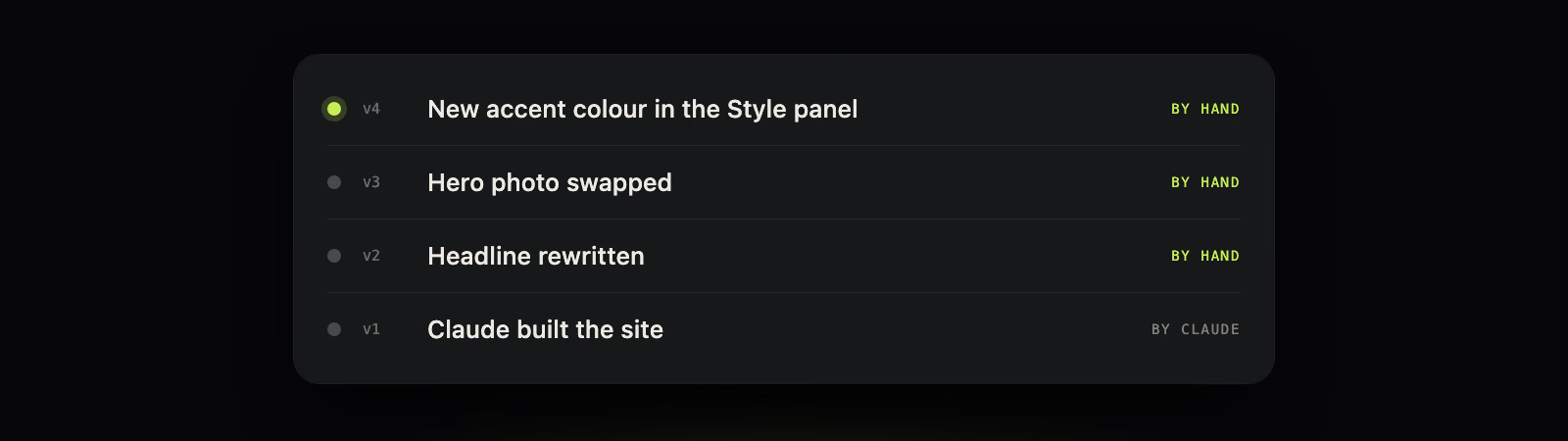
That changes how you edit. You stop being careful. You try the other photo, you try the other colour, and if you don't like it you go back. The site Claude built is always there as the first step in the list, so there's no version of this where you lose the good draft by fiddling with it.
This is the part we like most, because the workflow splits the cost the same way it splits the work.
Building from Claude runs on your own Claude plan. It uses none of your BYQ AI tokens. And everything you do by hand in the builder, the clicking, typing, photo swaps and styling, uses none either. The only time BYQ tokens come into it is if you ask the builder's own chat to do something for you.
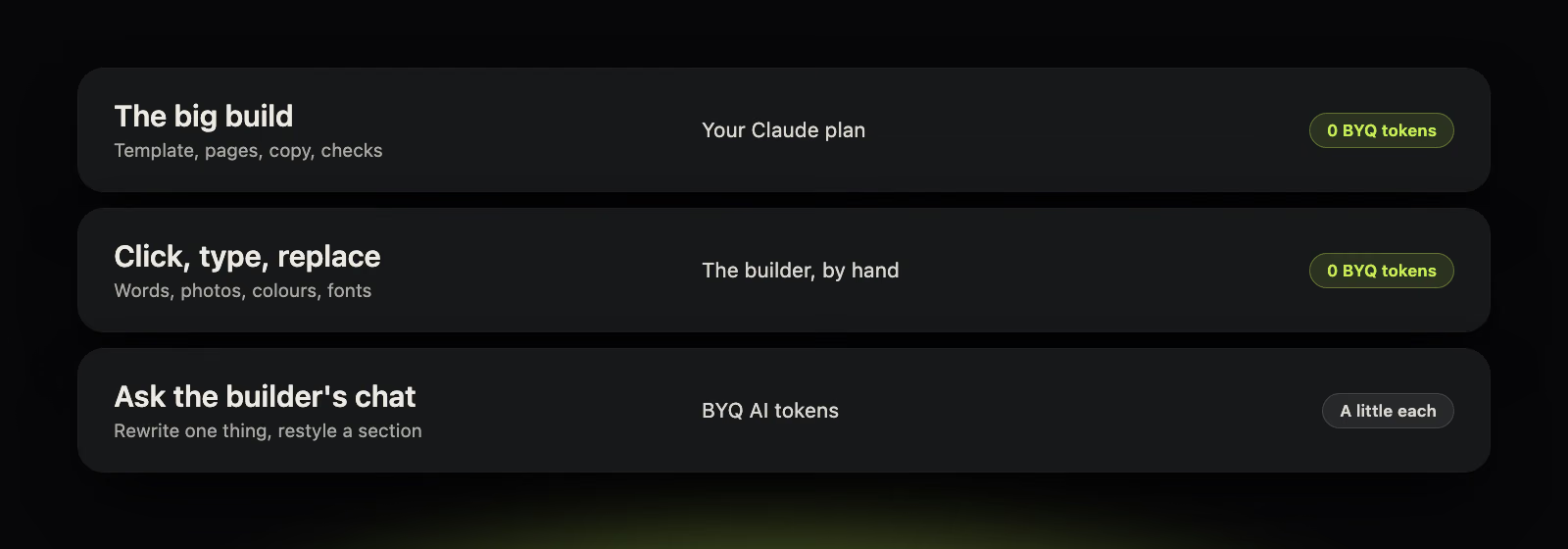
The two parts that feel the most expensive, the enormous build and the endless little tweaks, don't touch your BYQ tokens at all.
Worth being honest about the edges.
A whole site is a big job for Claude, so a long build counts against your usage there. On a smaller plan you'll notice it.
Publishing from Claude needs a Pro or Ultra plan, or hosting. Building and editing don't.
And it's a first draft, not a finished brand. Claude gets you a good site fast. The last stretch, the bit that makes it sound like you, is yours. That's why the builder is the second half of the flow and not an afterthought.
If BYQ is already connected in Claude, you're one prompt away. Start with the build prompt above, or this one if you'd rather leave the words to yourself:
Build a site for my studio from a BYQ template. Keep the copy simple and generic, because I'll rewrite the words myself in the builder. Tell me when it's ready to open.When you're happy with it, you can go live without leaving the chat.
Publish it to a byqsite.com link.Then open it, click the headline, and fix it yourself.