AI & MCP
BYQ MCP for designers: stop pasting, start pointing
Your AI doesn't need better prompting. It needs a better library. Here's what changes when the agent can search BYQ itself.
Your AI doesn't need better prompting. It needs a better library. Here's what changes when the agent can search BYQ itself.
Here's the thing nobody says out loud about building with AI: the model isn't the bottleneck. You are.
You know what good looks like. You've got a folder of references, a library of sections you trust, a design direction you've spent months settling on. And every time you sit down with Claude Code or Cursor, you have to re-explain all of it, from scratch, in a text box. Every session. Every section.
That's the tax. And MCP is how you stop paying it.
Skip the spec. Here's the useful version.
An MCP server is a door you open between your AI tool and something it couldn't otherwise reach. Your agent can already write code. It can't browse your Figma library, and it definitely can't browse ours. An MCP gives it a set of doors — search this, fetch that — and lets it decide when to walk through.
So instead of you finding a section, copying a prompt, and pasting it in, the agent goes and gets it. Mid-task. Without asking.
The difference sounds small. It isn't. It's the difference between an assistant who needs everything handed to them and one who knows where things are kept.
Search, then fetch. That's the whole shape of it.
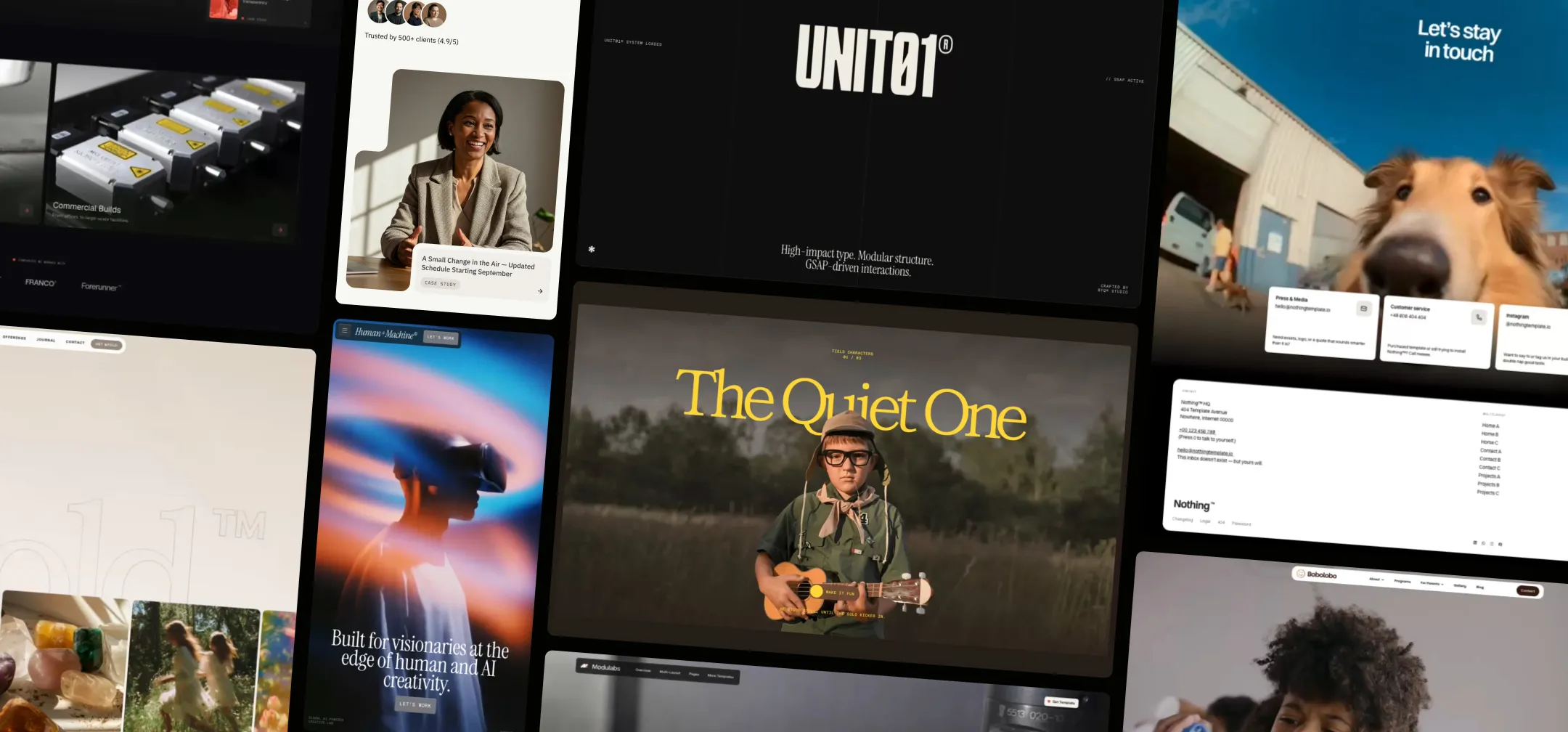
Sections. 2,500+ styled, production-grade sections. The search is semantic, not keyword matching, so your agent can ask for "a hero with a video background that darkens on scroll" and get real answers back. What it fetches isn't a screenshot — it's a full build spec with working reference code.
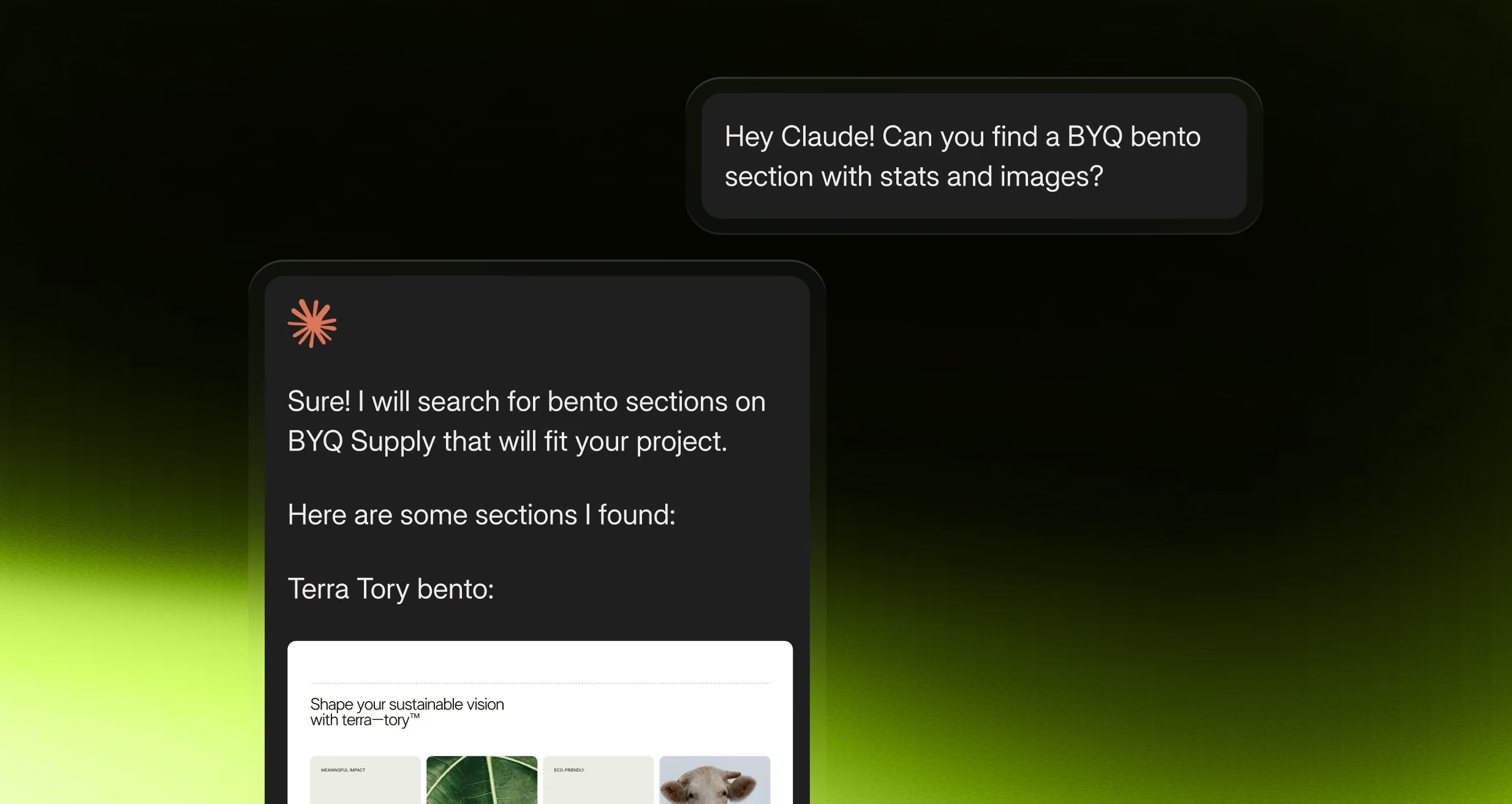
Design systems. 100+ of them, as DESIGN.md, tokens.json, theme.css and variables.css. Some come out of our own templates. Others are pulled from brands out in the wild — which is the part worth knowing, because it means the reference library isn't limited to what we've drawn. You can point your agent at a direction that already exists somewhere on the internet and say: like that.
Feed one in at the start and everything downstream comes out on-brand, instead of coming out purple-gradient-default.
Gems. 227+ GSAP-driven micro-interactions. Magnetic buttons, cursor trails, kinetic type, scroll reveals, canvas effects. Self-contained, drop-in.
(Skeletons — our wireframe library — are in there too, if that's how you work. Different approach, built around variables rather than pasted styling. It's its own thing rather than a step on the way to sections.)
The single highest-leverage move. Before you ask for a single section:
Pull the Halden Miller design system from BYQ and use it as the styling foundation for this whole project.
Now your agent has real tokens — type scale, spacing rhythm, colour roles, radii. Every section it generates after that agrees with every other section, because they're all reading from the same source. You've replaced "make it look nicer" with a system.
This is the trick most people miss.
Our sections come in collections — Franco, Babka, Sophia, Strobe, and dozens more. Each collection is one designer's coherent take: consistent type, consistent spacing logic, consistent temperature. Sections within a collection were made to sit next to each other.
So say so:
Build this page using sections from the Babka collection only.
Mix six sections from six collections and you get six good sections that don't belong on the same page. Stay in one and the page reads as designed rather than assembled. It's the fastest coherence win available, and it costs you nothing.
This surprises people. You don't need a blank repo.
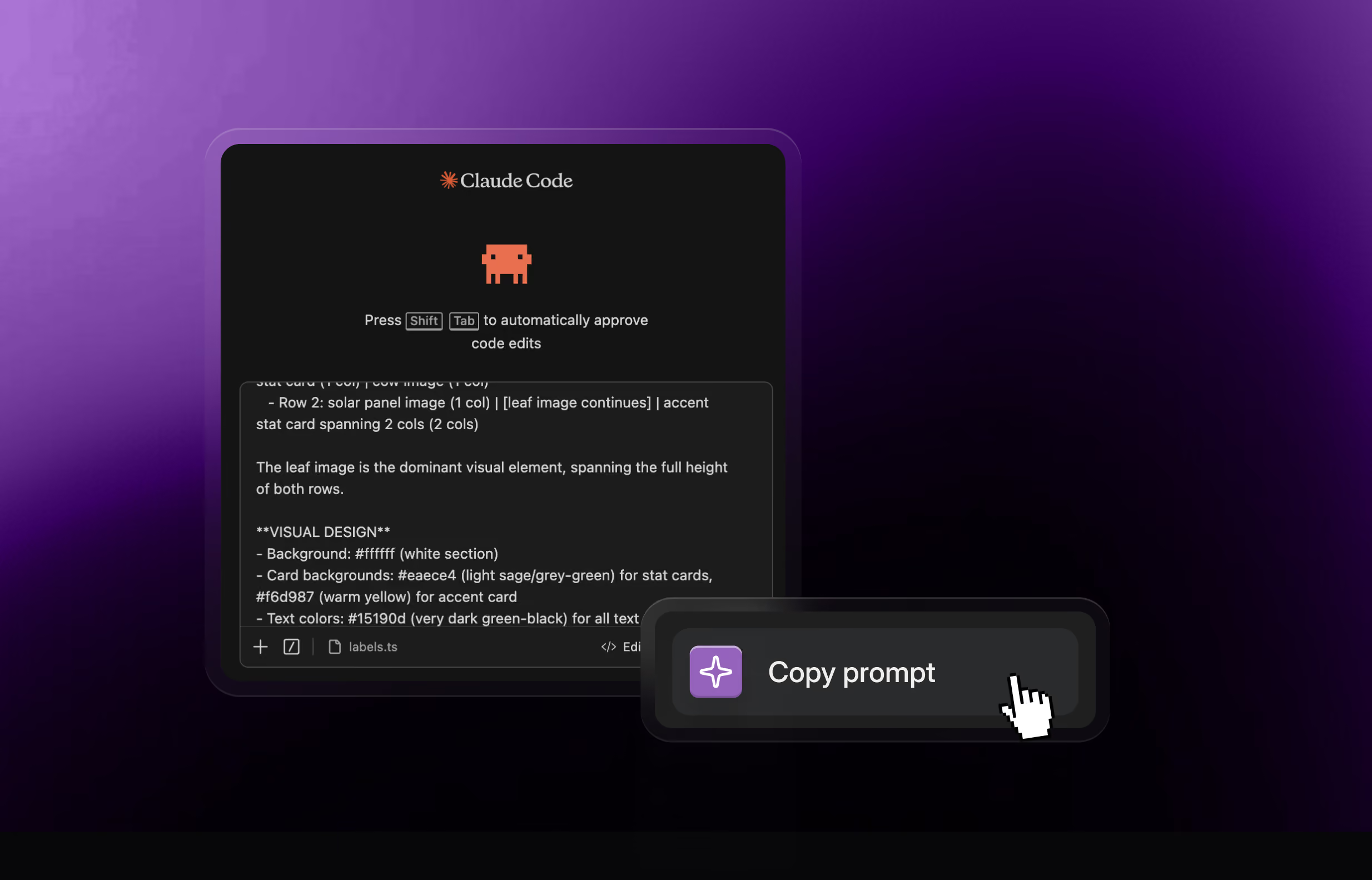
Every section your agent fetches arrives with an explicit instruction to adapt — to scan your existing components first, learn your container widths, your colour tokens, your font stack, and rewrite the section to match before it lands. The reference code is a reference, not a paste.
Add a BYQ pricing section to this app, matching our existing components.
You get our layout and interaction logic in your design language. Not a foreign block wedged into your page.
And one rule on top of all three: motion goes last. Gems, at the end, one at a time — a magnetic CTA, one scroll reveal where it earns emphasis. Motion applied last is motion you can actually judge. Motion applied throughout is a screensaver.
Before, your loop was: search the library in a browser tab, find a section, copy the prompt, switch to your editor, paste, wait, notice it doesn't match the last section, go back.
Now it's: describe the page. The agent searches, fetches, composes, and holds the design system in its head the whole way through. You review and redirect.
You stop being the clipboard. You go back to being the art director.
That's the whole pitch. The library was always good. Now your AI can use it without you.
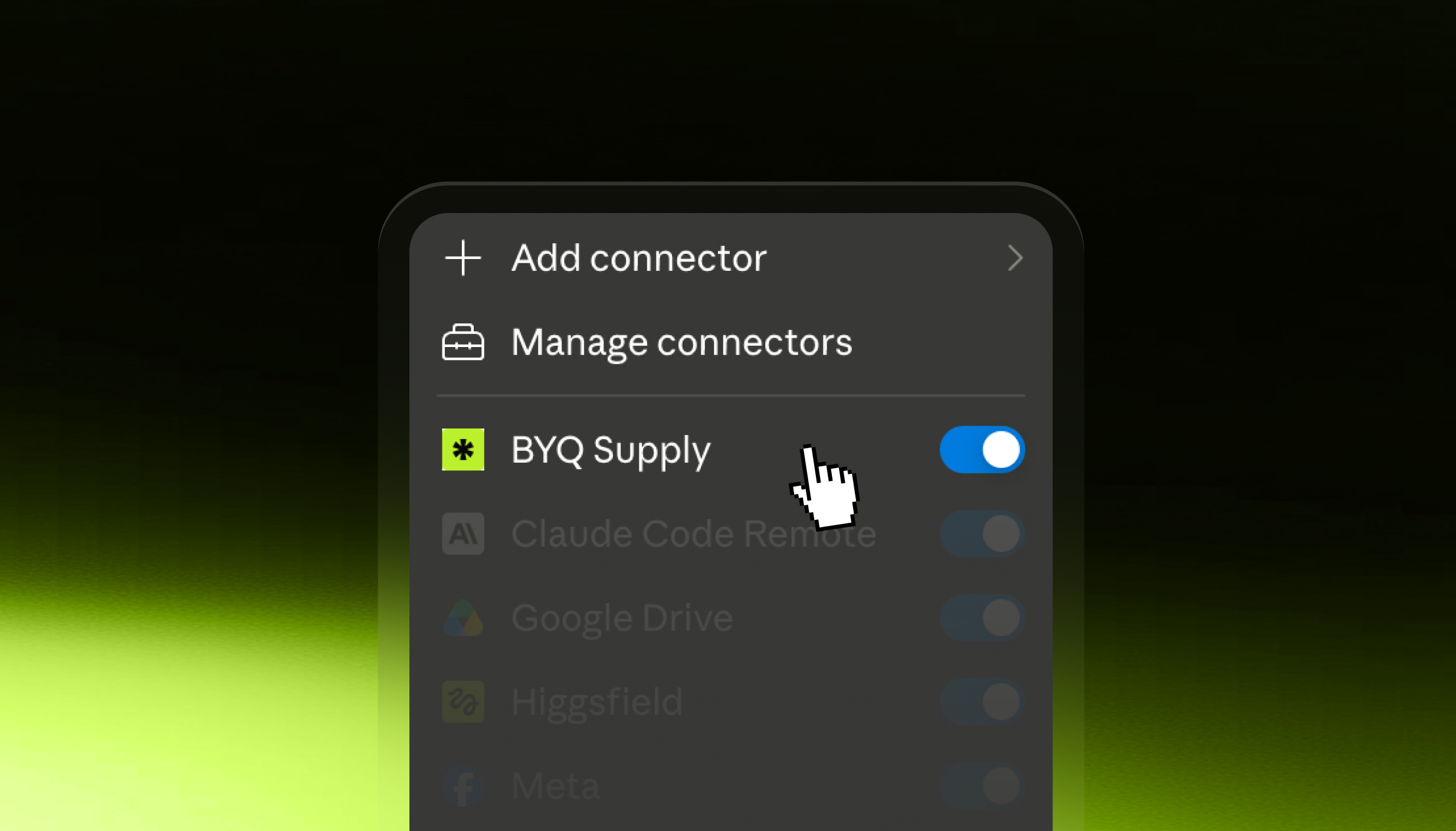
Generate an MCP key in your BYQ dashboard, add the server to your tool, paste the key. Ask your agent to search for something — if thumbnails come back, you're connected.
Four minutes, and it's the last time you do it. Works with Claude Code, Cursor, Lovable, and anything else that speaks MCP. It's on Pro and Ultra.
Building in Webflow? Everything your agent generates can land as native, restylable elements. Not a screenshot. Not an embed.