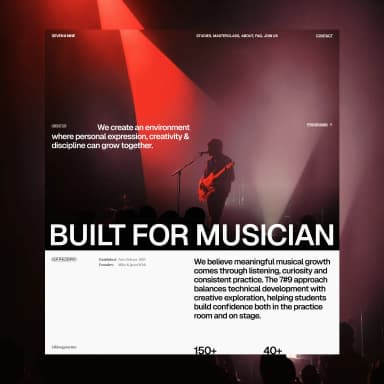
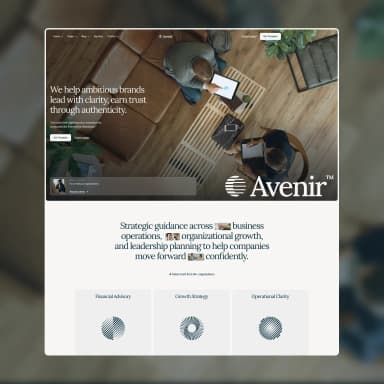
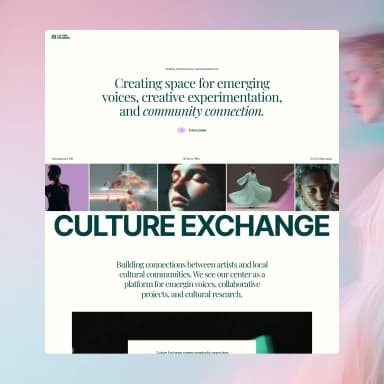
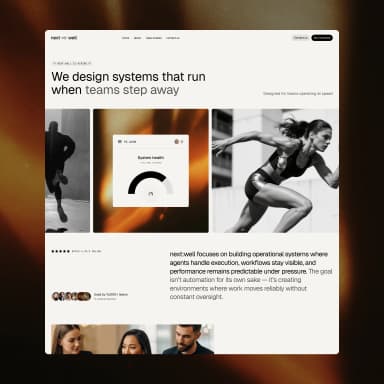
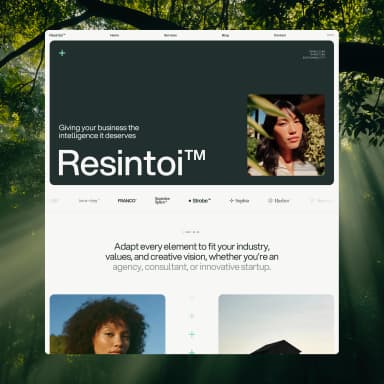
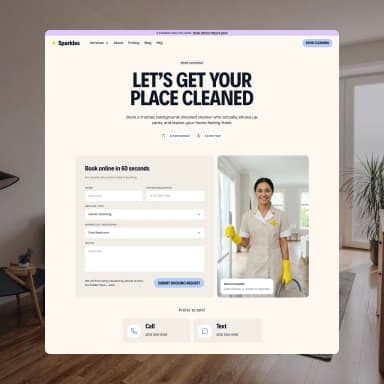
You can now build your BYQ site from the AI you already use. Connect Claude, Claude Code, Cursor or Codex to BYQ over MCP and ask for the site in plain language. Your AI picks a template, creates the site, rewrites the pages, checks them in a browser and publishes to a byqsite.com link, all from the chat.
Your own AI plan pays for the thinking. BYQ only runs the tools, so a site built this way uses none of your BYQ AI tokens. It is still the same site, and you can open it in the Website Builder at any time to change a headline or swap a photo by hand.
The connector gives it 21 site tools: create a site from a template, read and write files, manage pages and the theme, add sections from the BYQ library, find photos, take screenshots, restore earlier versions and publish. Every call goes through the same routes the editor uses, so validation and restore points work the way they do when you click, and the editor updates live while your AI works.
Library sections come with the context a model usually lacks. When it adds one, it gets a profile of your site's conventions (colour roles, fonts, type steps, corner radii and shared components) and a per-section adaptation file. A new audit_section tool checks the result against the host design system until it comes back clean. Sections that rely on scroll animation keep them: the original's real GSAP and interaction timelines are served alongside it, GSAP can be installed as a package, and compare_scroll scrolls the live original and your section to the same points and reports what differs.
Building and previewing work for everyone. Publishing a site built from Claude needs Pro, Ultra or paid hosting.
Setup takes a minute: in the Claude app you pick BYQ Supply from the connector directory and sign in, and in Claude Code or Cursor you paste a short snippet with a key from your MCP page. Read how it works.