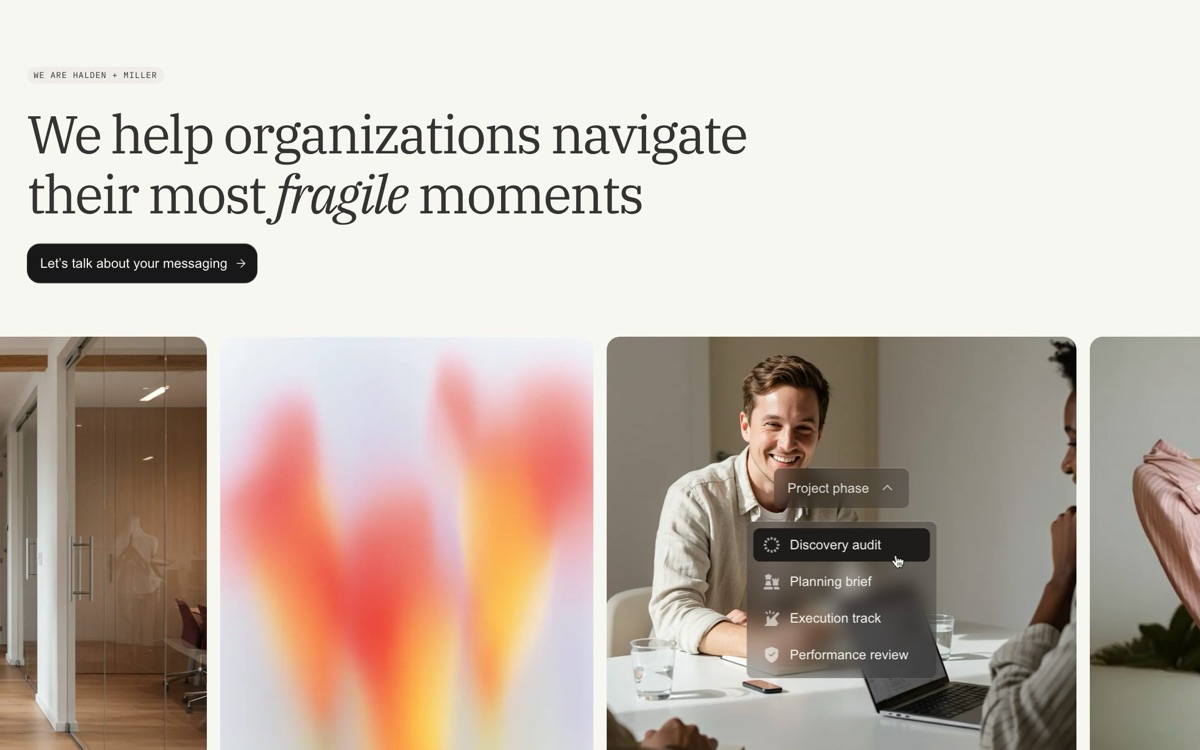
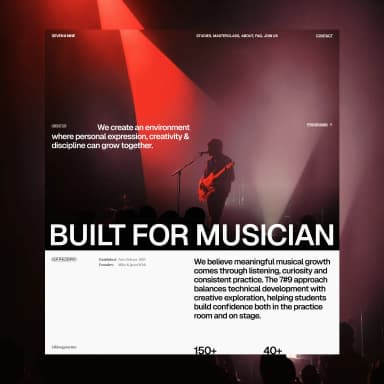
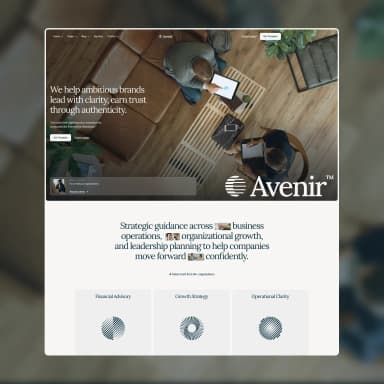
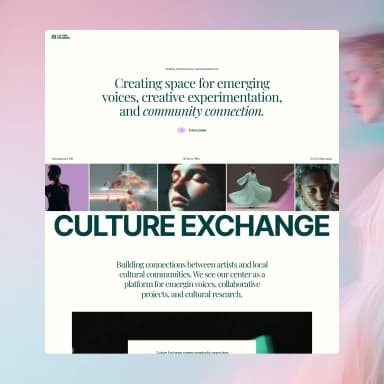
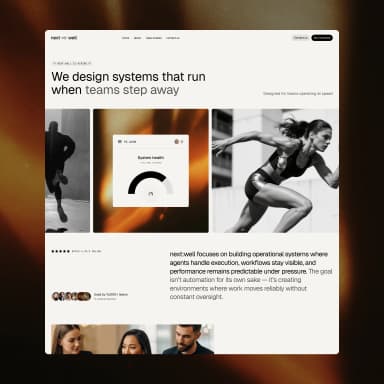
Working with BYQ over MCP used to mean reading. Your AI searched the library and sent back a list, and you picked from names and a handful of small images. Now the answers come back as widgets: cards you can look at and click, right inside the chat.
Searches for sections, wireframes, gems and templates now open a gallery of thumbnails. Look through them like you would in the app, preview any one, and press Use this (or Start with this for a template) to tell your AI which one you want. Show more loads the rest, so you are no longer limited to the first ten thumbnails. Template search got smarter along the way: each word you type is matched on its own, so a yoga studio finds a template for yoga and pilates, and the default list is no longer the same first templates every time.
Ask your AI for your sites and you get a dashboard with a thumbnail for each one, whether it is published, and buttons to open the editor or the live site.
Ask for the history of a site and you see its restore points, newest first, with the current one marked. Restoring takes two clicks, Restore and then Confirm restore, so nothing is rolled back by accident. The old version is put on top as a new one, so you can always go forward again.
Widgets use MCP Apps, an open standard, so they show up in Claude on web, desktop and mobile and in other chat apps that support it. Where an app only shows text, such as Claude Code in the terminal, you get the same text answers as before. Nothing to set up: if BYQ is already connected, the widgets appear the next time you ask.