AI & MCP
What's actually inside a BYQ prompt
AI can build you a website. It can't build you a good one — not without direction. Here's exactly what we hand it.
AI can build you a website. It can't build you a good one — not without direction. Here's exactly what we hand it.
Ask any AI builder for a landing page and you'll get a landing page. It'll have a hero. It'll have three feature cards with icons. It'll have a purple gradient somewhere it shouldn't. It'll be fine, in the way that airport food is fine.
The model isn't the problem. It'll happily build something beautiful. It just has no idea what beautiful means for your project, so it defaults to the average of everything it's ever seen — and the average of everything is, definitionally, generic.
What it's missing is direction. Not more adjectives. Direction.
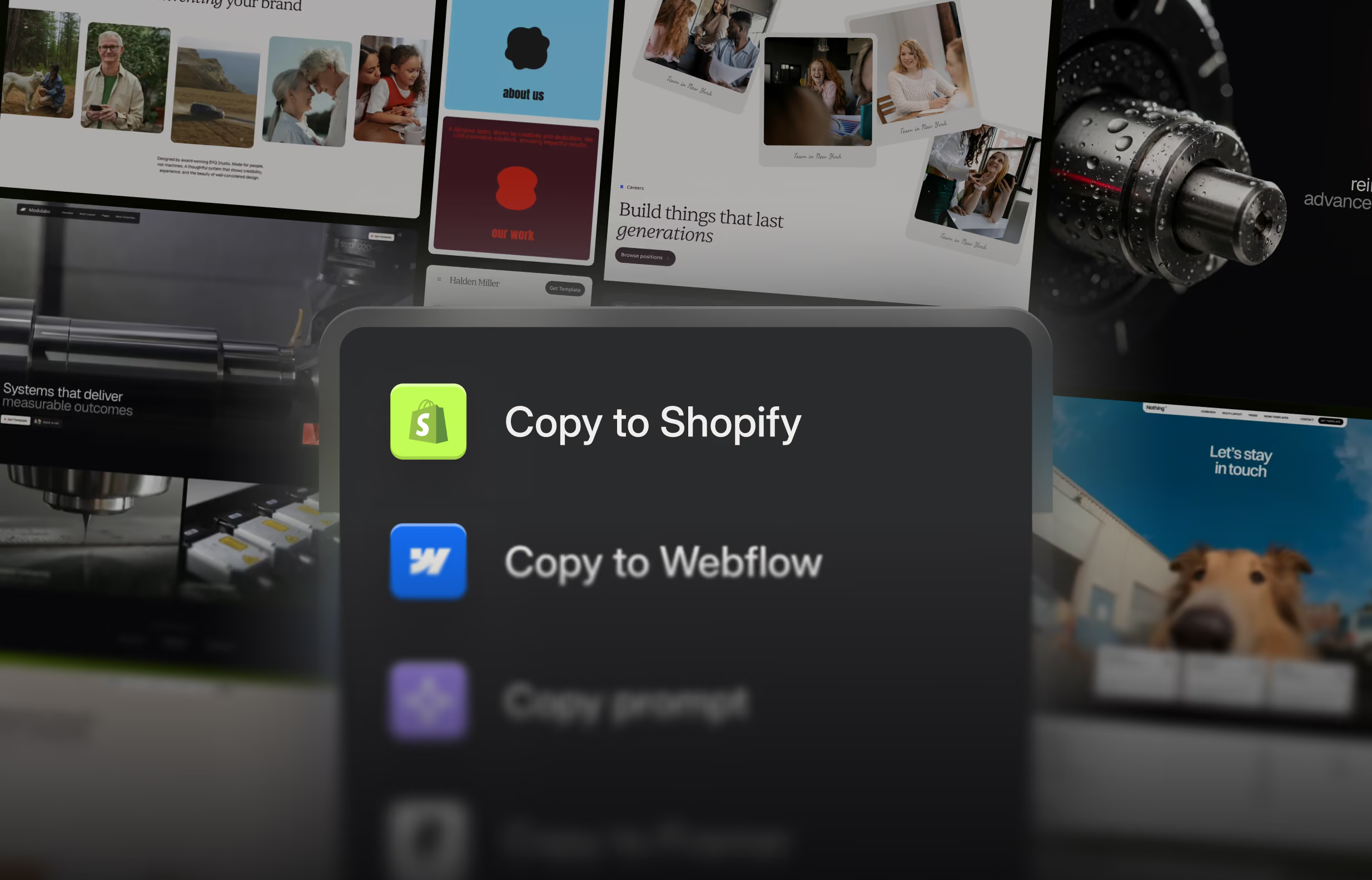
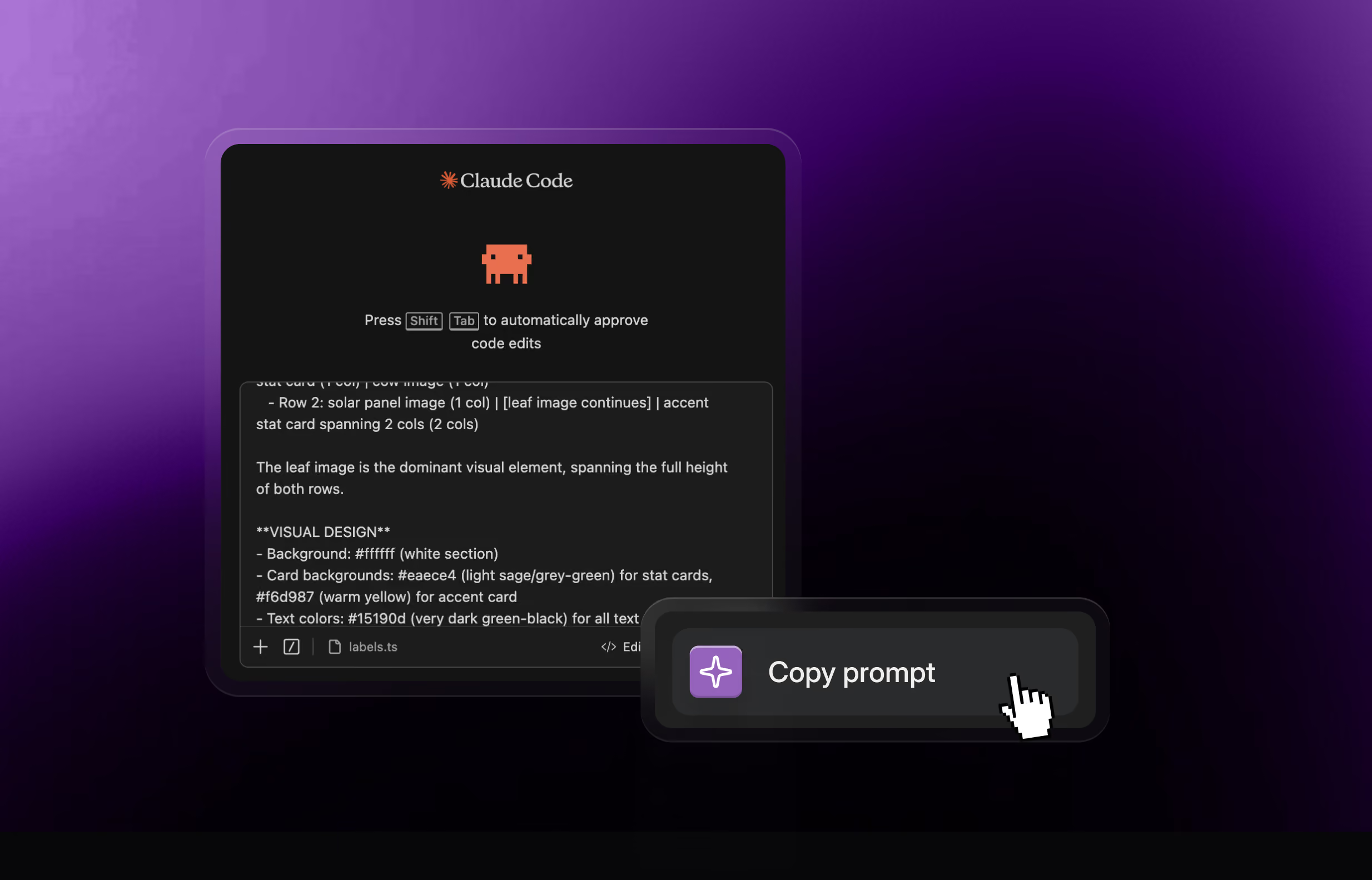
Every section in the library has a Copy prompt button. What lands on your clipboard isn't a description of the section. Here's the real anatomy, in order.
1. A working reference implementation. The complete component — real code, real markup, every breakpoint. Not pseudocode, not a sketch. The thing, built.
2. An instruction not to copy it. This is the part that matters most, and it's right there at the top of the code block: "Do not copy this verbatim. Use it for layout, structure, and content only — adapt all styles to match the project's existing design."
That single line is the difference between a section library and a paste-bin. We're not asking your AI to bolt our design onto your site. We're handing it our structural thinking and telling it to speak your language.
3. A style adaptation map. Every hardcoded value called out by name, with what it should become: #f9f5eb becomes your background token. Instrument Serif becomes your display face. 24px becomes your radius token. Nothing left for the model to guess at.
4. Integration steps that start with reading your code. Step one is literally: scan 2–3 existing section or page components to understand the project's design conventions. Before it writes anything, it goes and learns your container widths, your colour roles, your font stack.
5. Setup, spelled out. Which Google Fonts to link. Which npm packages (usually none). Whether it needs to be a client component. The small stuff that eats twenty minutes when it's missing.
6. Section details, in six parts. This is the long tail, and it's where the design lives:
That's one section. It's long because design is specific, and because the difference between a section that works and one that nearly works is usually about eleven small decisions.
Both doors, same room. Pick by how you work.
Copy prompt is manual and precise. You browse, you see it, you choose it, you paste it. You know exactly what went into the context because you put it there. Best when you want this specific section and nothing else.
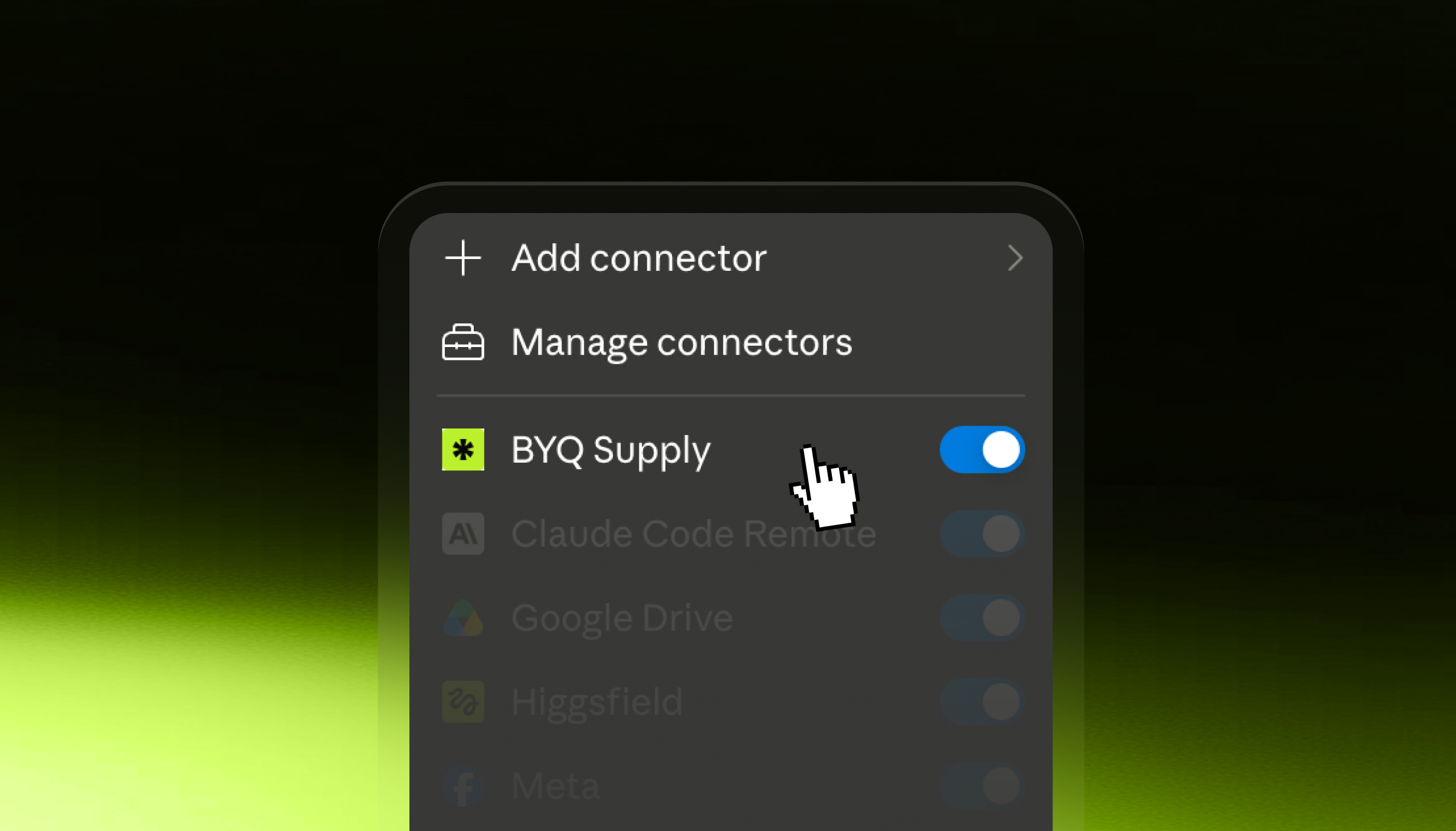
MCP is autonomous. Your agent searches the library itself, mid-task, and pulls what it needs without you switching tabs. Best when you're building a whole page and don't want to be the clipboard.
Most people use both. Copy prompt when they're being picky, MCP when they're moving fast.
Prompts compose, and the order matters more than people expect.
First, the system. Start every project by feeding in a design system. Tokens, type scale, colour roles. This is the constitution; everything after it has to obey.
Then the sections, one at a time. Because the system is already in context, section four will agree with section one. That consistency is the whole game, and it's the thing AI builders reliably fail at.
Then the motion. Gems, last, sparingly.
Three layers, in that order, and the output stops looking generated.
Vibe-coding got a bad name because the first wave of it was people asking for a website and accepting whatever fell out. That's not a workflow, it's a slot machine.
The version that works looks like design work: system, composition, polish. Same order you'd do it in Figma. Same order you'd do it in Webflow. The AI is doing the typing, but the decisions are still yours — which is exactly where they should be.
Works with Claude Code, Cursor, Windsurf, v0, Bolt, Lovable and Replit. Copy prompt is on Pro and Ultra, with limited access on Free.
Want your agent to skip the copying entirely? Set up the BYQ MCP and it searches the library itself.